
A practical guide
AI-Driven Content for E-Commerce: Boosting Your Online Store
A small store does not fail for lack of adjectives. It fails when the product page, the clip, and the review do not describe the same item. AI can draft a description, propose a caption, and help turn a product photo into a short video. It can also invent a fabric, a size, or a five-star sentence. E-commerce content is useful when the draft is tied to facts you can check, and when a person checks them before a customer can buy from the page.
I build software for that kind of draft, not a promise that a store will convert better. Vlozy can prepare a short product video from a public page. FashionUGC can turn clothing photos into short fashion videos for Reels, TikTok, Shorts, ads, and shops. BloGoose can draft an article from the site. SnapsJo is a different product: a studio-style portrait from one photo, starting with baby portraits. It is not a Shopify app, and it does not make product videos for a catalog. I am not going to describe it as one. This page is about the store’s own words, pictures, and reviews. The tools are examples of drafting. The merchant still approves what represents the goods.
Nothing here is a customer’s revenue, and nothing here is a required stack. If you sell on your own site, the same checks apply whether the shop software is Shopify or something else. I do not ship a Shopify connector on this page, and I will not invent one to make the workflow sound more automatic than it is.
Automating product descriptions
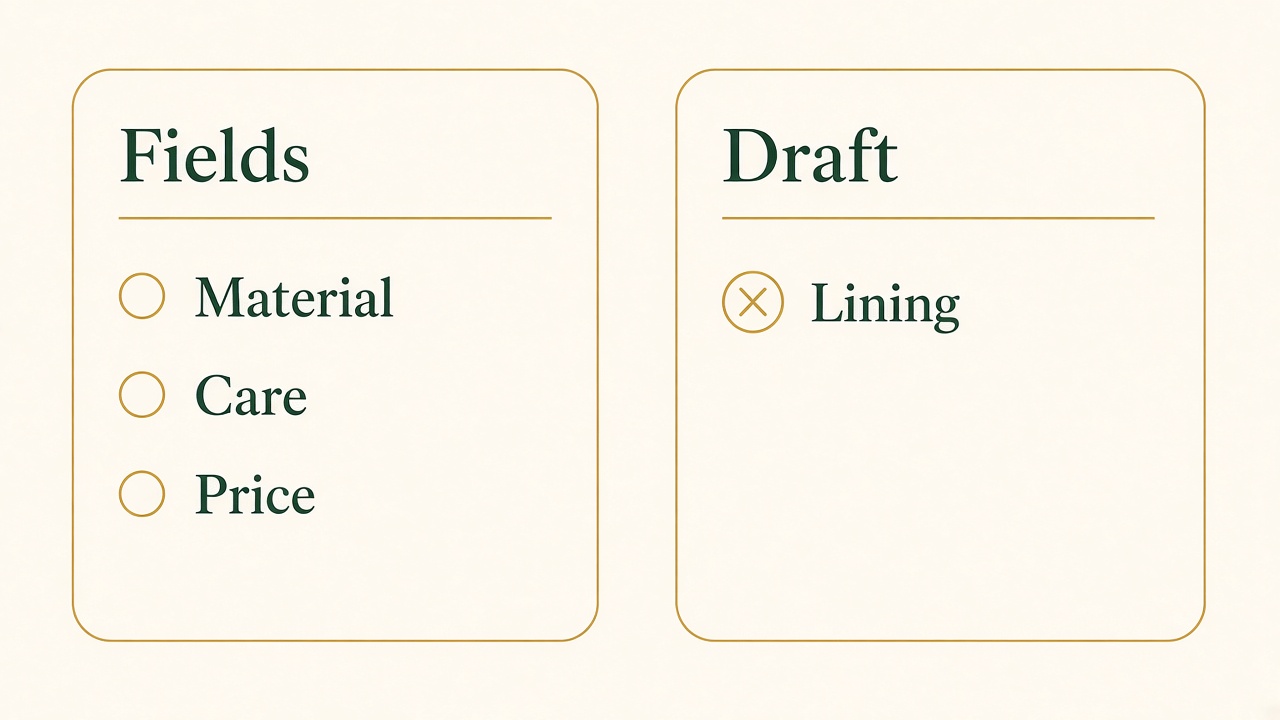
Fields first, then the draft
Material, care, and price come from the record. A draft that adds a lining those fields never named does not get published.
Can AI write product descriptions? It can write a paragraph. Whether that paragraph is the description of the item in the box is a separate question. A model predicts a likely sentence from the words you gave it and from patterns it learned. If you give it “linen, relaxed fit, chest pocket, machine wash cold,” it can turn those fields into prose. If you give it only a product title, it will often fill the gaps with a generic benefit: breathable, flattering, perfect for any occasion. Some of those words will be false for the SKU. The draft is not the harm. Publishing the draft without the supplier sheet beside it is the harm.
A template and a writing tool do different jobs, and a store needs both. The template is the list of facts that every product page must contain before anyone asks for prose: name, what the customer receives, material, size or dimensions, care, what is not included, price, and availability. Empty fields stay empty. They are not an invitation for the model to guess. The tool’s job is to turn the completed fields into a clear paragraph and a short title, in the voice you wrote down. If the template says the shirt is linen and the draft says cotton, the draft loses. If the template has no care instructions, the draft does not get to invent “dry clean only” because that phrase is common. What else to read on a generated draft, once the product fields are checked, is the AI content quality guide.
Google’s guidance on generative AI content is the standard I want on a catalog. Generative models do not retrieve facts. They can be inaccurate. Google says to fact-check and review all of that output before publishing, and the review includes titles, descriptions, structured data, and the text on images. A product image with “organic” baked into a badge is a claim even when the body copy was corrected. For stores that send product data to Google Merchant Center, Google’s page on AI-generated content is more specific than that warning. An AI-made image has to keep metadata that identifies it as AI-generated. An AI-written title or description is supplied through the structured title or structured description attribute and labeled as trained algorithmic media. I am not going to walk through a feed setup here. The picture and the paragraph still have to be checked as carefully as the price.
How you automate a catalog without making a mess is a batch with a gate. Export the rows that have complete facts. Generate drafts only for those rows. A person who knows the goods reads a sample, then reads every row that mentions a comparison, a material, a safety line, or a number. Variants should not share one dreamy paragraph if the material differs. A category page is not a product description. Google’s product documentation, which I use later for markup, already says a page of many products is not a single product. The same idea belongs in the copy: one SKU, one checked description, one set of images that show that SKU.
Personalization is a narrower promise than vendors make it. Showing a returning visitor a product they viewed is a store feature. Rewriting the description into a different fact for each visitor is a way to say two different things about one item. I would not do that. The description should stay the description. If you want a blog post that helps someone choose between two fabrics, that is an article, not a second hidden version of the product page. See how BloGoose can handle product blog content when the job is that article: a care guide, a fit question, a comparison a person asked for. The product page remains the short, checked record of the item. BloGoose does not set your price, and an SEO content score on a draft is not a sales forecast.
Shopify, or any other shop admin, can store the title, the description, and the images. Automation means a draft landed in that admin from your template, not that the admin posted it while you were away. If a connector ever does that for you, turn off unattended publishing until the review exists. A hundred SKUs drafted overnight are a queue. They are not a launch. The person who buys from the page will believe the adjective. Write only the adjectives you can stand behind when they reply.
Video clips for a product page
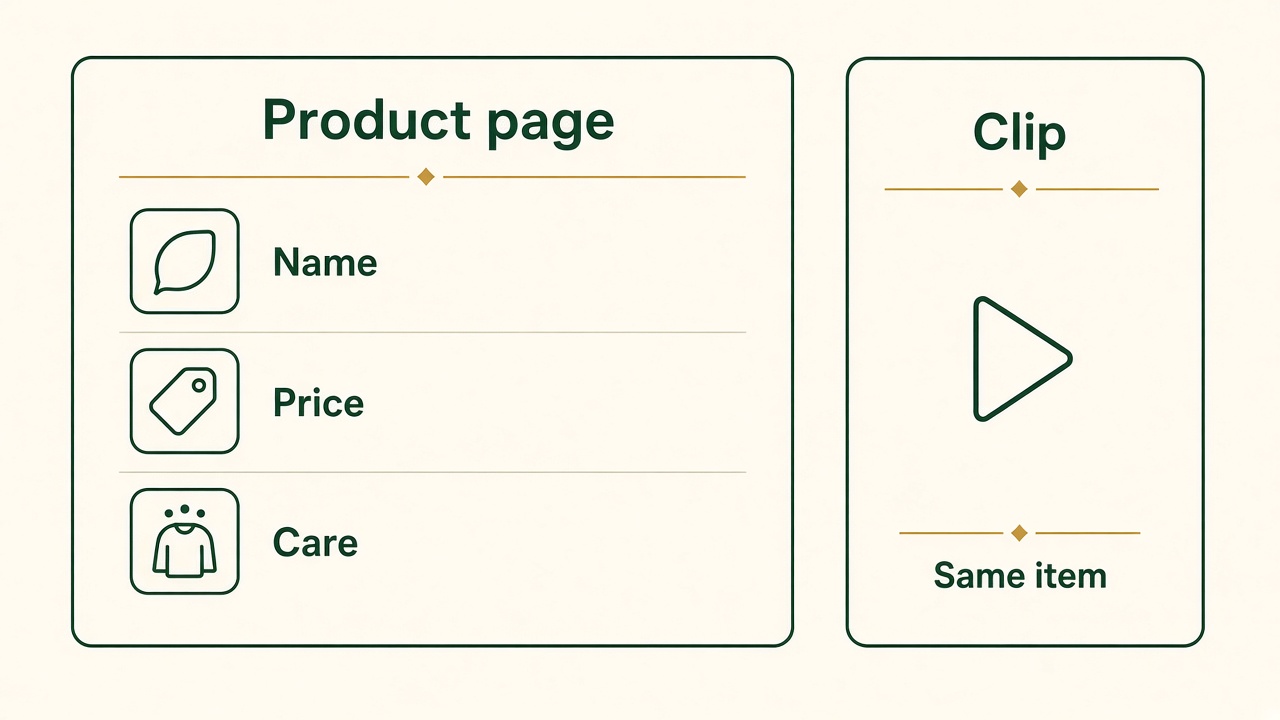
Same item, two formats
The page keeps the name, the price, and the care line in text. The clip shows that item. It does not replace those facts.
Shoppers use video to see what a still photo crops out: how a fabric hangs, how a lid closes, how large the object is next to a hand. A clip that shows that moment can sit on the product page and can be cut for a feed. A clip that adds a feature the description does not have will create returns. The rule is the same as the paragraph. One true moment. Text on the page that matches it. A person who has seen the item watches the file before it represents the store.
Vlozy is the tool I built for a short vertical video from a public product page: a demo, burned-in captions, music, and a caption per channel that you can edit. Short videos can go to YouTube Shorts, Instagram Reels, TikTok, Facebook, Threads, and Pinterest. LinkedIn and X get a text post, not that video file. The page it reads has to be current. If the page still says last season’s length, the clip will learn last season’s length. You review the clip before it posts. That is the product. It is not a popup builder, and it is not an in-page shop widget. If you want the video on the product page itself, you embed the file or the player there, with the description still in text so the facts are not trapped in the picture.
FashionUGC is the clothing-specific example. It turns the shop’s clothing photos into short fashion videos for Reels, TikTok, Shorts, ads, and shops. Those are videos made from product photos the store already has. They are not, by that description, videos your customers filmed. I keep that distinction because the next section is about customer content, and mixing the two makes a rights problem. You need the right to use the photos you upload. You need a person to check that the garment in the video is the garment on the page, in the color you are selling. A generated walk that implies a fit you have not photographed is a claim.
SnapsJo does not belong in that catalog workflow, and I would rather say so than follow a looser description. SnapsJo helps someone turn one photo into a studio-style portrait. Baby portraits are what it offers now. The first portrait is free, with no prompts and no subscription required to try that first portrait. It is a separate product from Vlozy and from the Growth Duo. A store that sells clothes does not get product videos by opening SnapsJo. A parent who wants a keepsake portrait does not get a Shopify catalog. If your shop also sells a printed portrait as a good, the product page for that good still needs the description checks above. The portrait tool is not the page.
Video marketing for a store fails in a few repeatable ways. The clip autoplays with sound on a product page and covers the price. The only size guide is spoken, so someone who cannot hear it, and a crawler that cannot watch it, never gets the measurement. The thumbnail shows a color you do not sell. The social cut says “limited drop” after the item is a normal SKU. Fix those before you count views. A useful clip is short enough to show the moment and honest enough that the product page does not have to apologize for it. Vertical is the shape of the feeds I just named. It is not a requirement that every embedded player on your site be a phone-shaped file. Put a file the product page can actually play, and keep the facts in HTML next to it. Google’s video best practices treat a product page with a product video as a page where the video is complementary, not a dedicated watch page. The longer version of that distinction is the video SEO guide. How to plan the demonstration itself is the product demo guide.
Customer content and reviews
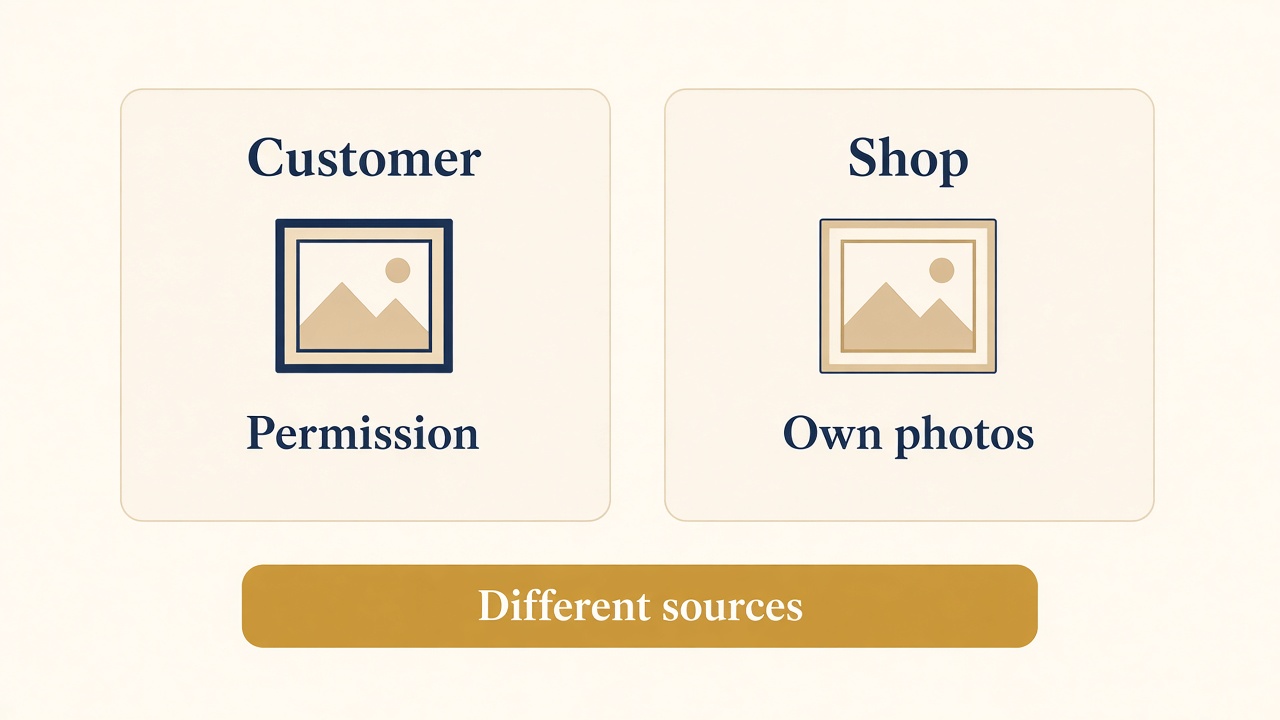
Customer content is not the shop’s photo
A customer’s picture needs permission. A video made from the shop’s own photos is the shop’s content, even when a tool adds the motion.
User-generated content is material a customer made: a photo of the item in their home, a short clip of them using it, a review in their words. Marketing that uses it is useful when the customer agreed, when the item in the picture is the item you sell, and when a reader can tell it is a customer’s material rather than a studio shot you produced. It is not useful when you collect only the flattering posts, edit a sentence until the complaint disappears, or pay for praise and present it as an ordinary review.
The U.S. Federal Trade Commission’s plain-language guide to soliciting and paying for online reviews is the checklist I want a small store to read before a “review campaign.” Do not ask people who have not used the product. Do not ask only the customers you expect to be positive. Do not ask staff, family, or friends to review you without a clear disclosure of that relationship. If you offer an incentive, do not condition it on a positive review, and disclose the incentive even when you did not demand praise. Some platforms ban incentivized reviews entirely. Their rule and the FTC’s rule can both apply. Follow the stricter one.
A companion FTC staff guide on featuring online customer reviews is written for platforms, and it is just as practical for a shop that displays reviews on its own site. Do not edit a review to change the message. Do not treat negative reviews more harshly than positive ones. Do not feature the positive ones so prominently that the set of reviews lies. Publish genuine reviews, including the unhappy ones. If a review may be fake, investigate it. Have a way to explain how the rating is calculated if the display would otherwise mislead. An AI summary of reviews is a new place for the same mistake. A model that “smooths” a three-star complaint into a cheerful sentence has edited the message. Quote the customer, or show the stars you actually have. Do not publish a generated paragraph of praise that no customer wrote.
Permission sits next to the review rules when the content is a photo or a video. A customer posting on their own account has not automatically given you the right to put that file on your product page, in an ad, or into a tool that will generate more frames. Ask, keep the yes, and credit them in the way you agreed. If you gave them the product so they would post, that connection should be visible where you reuse the post. FashionUGC, again, is not this step. It starts from the shop’s product photos. Customer content starts from the customer. A store can use both. It should not label one as the other.
How you leverage reviews, if you are going to use that word, is operational. Ask after the order has been in their hands long enough to judge it. Send the request to people who bought, not to a purchased list of strangers. Put the reviews on the product they concern, not on a category page that implies every SKU earned them. Do not offer a discount code that is only described in the email to people who left five stars. Do not hide a one-star review because it mentions a late carrier and you wish it were about the fabric. The late carrier is part of what that customer experienced. You can reply with what you did about shipping. You cannot rewrite their stars. If those reviews are also sent to Merchant Center, Google’s product ratings policy says to submit only reviews honestly solicited from customers who made a purchase, and it does not allow reviews that are primarily generated by an automated program or an AI application.
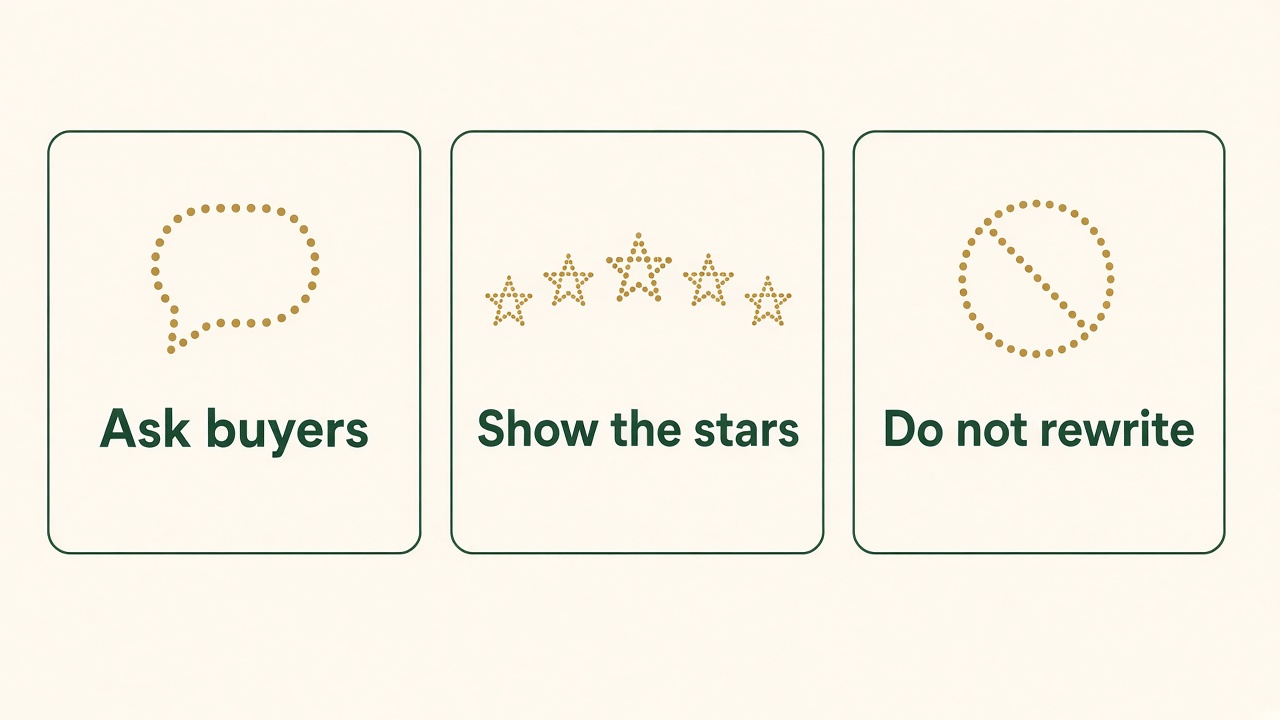
Ask, show, and leave the words alone
Ask people who bought. Show the ratings you actually have. Do not rewrite a review into a sentence no customer wrote.
SEO for product pages
A product page earns its place in search by being a real product page: one item, a name, a price the shopper can use, availability, and text that matches the photos. Markup can make some of that eligible for a richer result. It cannot invent a rating, and it cannot turn a category grid into one shoe. Google’s introduction to product structured data splits the work into two. Merchant listings are for pages where the shopper can buy the product from you. Product snippets are a broader text result that can show rating, price, and availability, including on some pages that are not the checkout. Adding the merchant fields often covers the snippet as well. Google also says a Merchant Center feed plus on-page markup gives it more ways to check that your data agrees. If the feed says one price and the page says another, you do not have a rich result. You have a conflict.
The merchant listing documentation is strict about which URL qualifies. The shopper has to be able to purchase on that page, not merely follow a link to some other site that sells it. The page should be one product, or variants of that product, not “shoes in our shop.” Variants with their own URLs should be marked as variants, not as one vague item. A different currency belongs on a different URL if you sell in more than one. Google may check the data before showing it. Required pieces include the name and the offer details the document lists, such as price and availability. I am not pasting every property into this article. I am saying: mark up the page the customer buys from, and mark up what is visible. Invisible JSON that adds a sale price the template does not show is a mismatch, the same class of mistake as a hidden FAQ.
Reviews in that markup follow the review snippet guidelines. The review or the aggregate rating has to be on the page, obvious to a person, not only in the code. The reviewer’s name should be a real name for a person or a team, not a slogan. Do not mark up a category. Do not add up ratings you scraped from another website and present them as yours. Do not mark up fake reviews. If you show an aggregate, the visitor should be able to see that aggregate. Product snippets want at least one of a review, an aggregate rating, or an offer. A warning in a test tool because you sent a price and no rating is not an order to invent ratings. Ship the offer. Add reviews when you have reviews that pass the FTC checks.
Here is the shape of the markup, with placeholder values. It is an example for a real product page you publish. It is not this article’s product, and it must not be pasted onto a URL that does not sell the item and show the same price.
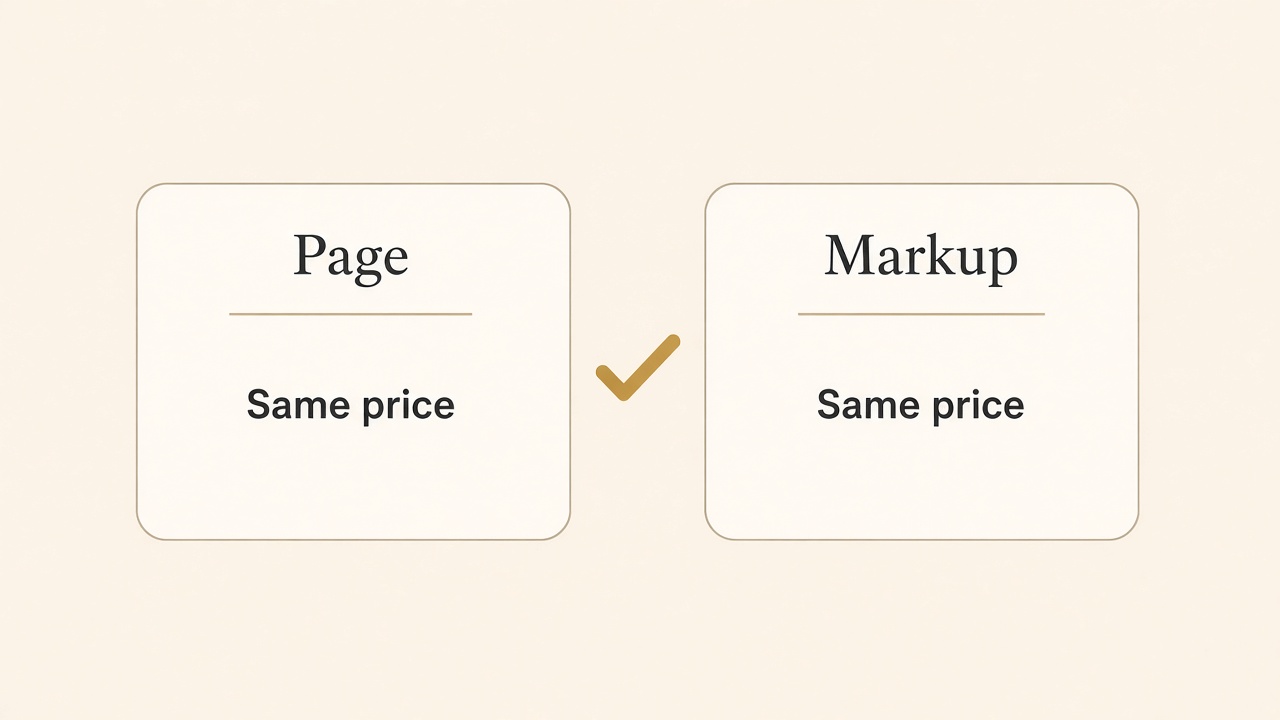
The page and the markup name the same price
If the screen shows one price and the structured data shows another, the rich result is a conflict. Mark up what the shopper can see.
{
  "@context": "https://schema.org",
  "@type": "Product",
  "name": "Linen camp shirt",
  "image": "https://example.com/linen-camp-shirt.jpg",
  "description": "Linen camp shirt with a chest pocket. Machine wash cold.",
  "offers": {
    "@type": "Offer",
    "url": "https://example.com/products/linen-camp-shirt",
    "priceCurrency": "USD",
    "price": "88.00",
    "availability": "https://schema.org/InStock"
  }
}
Add a review block only when that review is on the page and meets the rules above. Leave it out when you are still collecting the first honest responses. SEO for a product page is mostly this discipline: unique text for the SKU, matching photos, a price that matches the cart, and markup that matches the screen. A blog post can target a question the product page should not carry, such as how to wash linen or how the fit compares with last year’s cut. Link that article from the product page in a sentence. Do not dump the article into every description as a keyword block. Conversion, if you measure it, is purchases or add-to-cart divided by the visits you defined. I will not give you a good rate. A richer snippet is eligibility, not a lift I can promise.
A hypothetical shop, not a customer
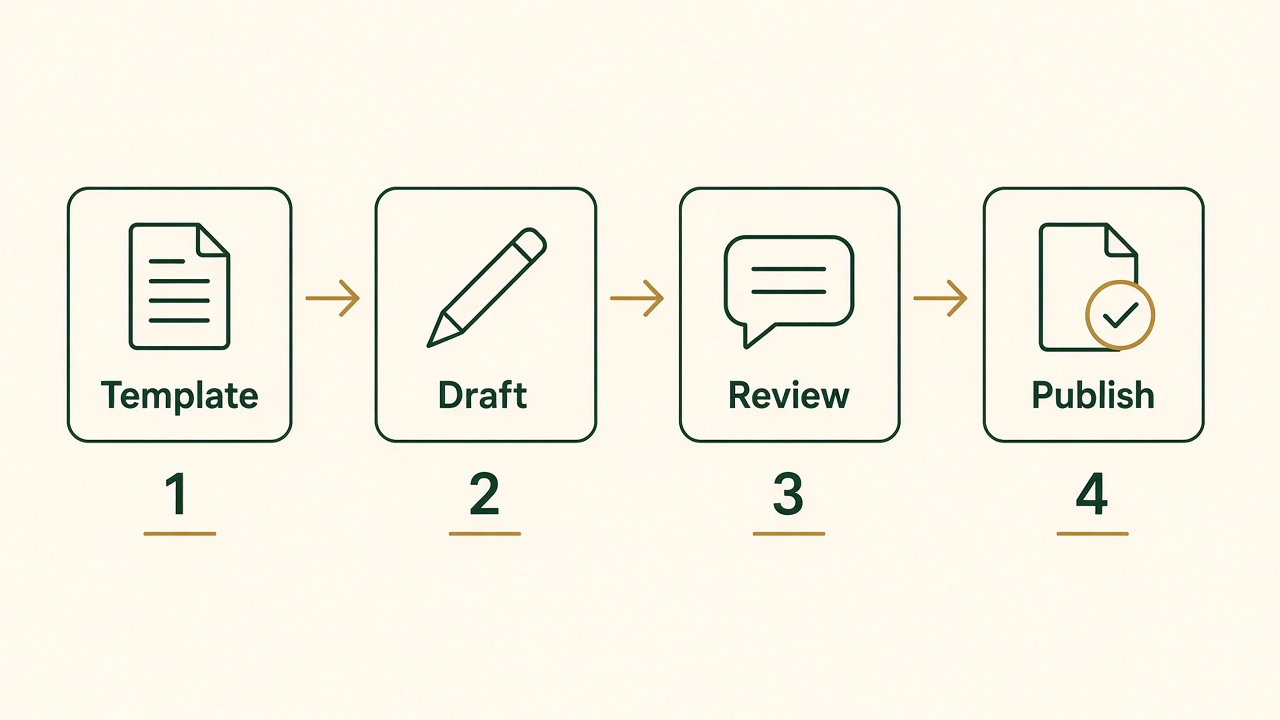
Template, draft, review, publish
The fields come first. The draft is next. Nothing that represents the item is public until a person has reviewed it.
This is a made-up walkthrough so the steps have a shape. It is not a store I have, not a client result, and not a set of sales figures. I am not pairing it with SnapsJo, because that would describe a product video workflow SnapsJo does not have. The imaginary shop sells a small line of linen shirts on its own site. One person checks the goods. They want a product page, one care article, and a short clip, without writing every sentence from a blank box.
They start with the template, not the model. For the camp shirt they fill material, fit, pocket, sizes they actually stock, care, price, and the photo of that color. Empty size rows stay empty. They generate a description from those fields only. The first draft calls the shirt “effortlessly versatile” and adds a lining the template never mentioned. They delete both. What remains is linen, the pocket, the wash instruction, and the sizes in stock. That paragraph goes into the product admin. The title stays the product name a buyer would search, not a pile of synonyms.
The care question is a separate URL, because it is not a second description of one SKU. They ask BloGoose to draft an article from the product pages and from a note that says what they refuse to claim. The draft explains cold wash and hanging to dry, and it links back to the shirts that use that care line. They read it against the template. They remove a sentence about dry cleaning. They publish the article only after that pass. The product page links to it in one line. The article does not invent a new fiber.
The clip has two possible sources, and they pick based on what they already have. The product page is public and current, so Vlozy can prepare a vertical clip from that page: the shirt, the pocket, burned-in words that repeat the wash line, and captions for Reels, Shorts, TikTok, and Pinterest. They watch it before anything is queued. If they had only flat clothing photos and wanted a fashion cut for those networks, FashionUGC is the tool that starts from those photos. They would not run both and keep whichever caption is more exciting. They would keep the file that matches the color on the page. SnapsJo never enters this shop. Nobody at the store is making a baby portrait.
Reviews come later, from people who received the shirt. The request does not say “tell us you loved it.” It does not offer a refund only for five stars. When a review mentions a late delivery and also praises the linen, they publish both parts. They do not ask a tool to summarize the reviews into “customers say it is perfect.” The product structured data includes the offer that matches the page. It does not include an aggregate rating until the ratings on the page are real and visible. The social queue is cleared when a size sells out, because the caption still said every size was available.
That is the whole example. Template, draft, delete the invention, article for the question that is not a SKU, clip from the page or from the clothing photos, reviews that are actually reviews, markup that matches the screen. No step is a conversion rate. No step is a Shopify app I have not shipped. A store that wants the article-and-video pair can look at the Growth Duo for retail marketing. A store that only wants the clothing videos can look at FashionUGC. A person who wants a portrait can look at SnapsJo. The checks on this page stay the same either way.
Questions about store content
Can AI write product descriptions?
It can draft them from facts you already recorded: material, size, care, and what is in the box. It should not fill a blank fact. Google’s generative-AI guidance says the output can be wrong and has to be reviewed before it is public, including the title and any text on the image. If the draft adds a feature, delete the feature. Do not publish a catalog of unchecked paragraphs.
How do I automate content for an online store?
Lock a template of required fields. Generate prose only for complete rows. Review every claim that names a material, a number, a comparison, or a policy. Use a separate article for a question the product page should not carry, and a short video only when it shows the same item. Keep unattended posting off until that review is a real gate. The shop software can store the result. It should not be the reviewer.
What is user-generated content marketing?
It is using a customer’s photo, video, or review, with permission, so other shoppers can see the item from someone who is not the brand. A video you generate from your own product photos is your content, even if a tool made the motion. Customer content needs a yes, a disclosure if you paid or gifted the product, and the review rules against fake or edited praise.
How do I use video marketing for e-commerce?
Show one true moment and repeat the important facts in text on the product page. Vlozy can draft a short clip from a public product page for Shorts, Reels, TikTok, and Pinterest, among the networks it supports. FashionUGC can draft a short fashion video from clothing photos. You watch the file before it posts. The clip does not replace the price, the sizes, or the policy.
Does AI help with social media for retail?
It helps when it drafts a caption and a clip from the current product page and then waits. It does not know inventory or the end of a sale. A queued post that still says “in stock” after you sold through is the failure mode. Review the line. Stop the queue when the fact changes. Do not let a tool announce a review you do not have.
How can I leverage customer reviews?
Ask buyers who used the product. Do not pay for a positive star rating, do not hide the negative reviews, and do not rewrite them. Disclose incentives and personal connections. Show on the page whatever you put in review markup, and do not import another site’s ratings. An AI summary that turns mixed reviews into uniform praise is an edited review. Do not publish it.
The catalog still needs a person. See how BloGoose can handle product blog content when the job is an article beside the product page. For short product videos, look at Vlozy or at FashionUGC for clothing photos. For a portrait from one photo, visit SnapsJo. The retail pair of articles and clips is the Growth Duo for retail marketing.
See how BloGoose can handle product blog contentYou still check the description, the clip, and the review before they represent the item.
Social posts and shops
Social commerce is a crowded phrase. Sometimes it means a person can buy inside the app. Sometimes it means a video that sends them to your product page. Those are different setups, and a drafting tool does not complete both. Vlozy can prepare the short video and the caption, and it can send the video to networks that include Instagram Reels and Pinterest. Instagram Shopping, as a catalog with product tags inside the app, is a shop feature you configure with the platform and your product feed. I do not claim that posting a Reel creates a shop tag, a checkout, or a correct price. If the tag is wrong, the video being pretty will not fix the SKU.
Pinterest is closer to the video file itself, because a short product video can be the pin. The pin still needs the same fact as the page: what the item is, and a link that lands on that item rather than on the homepage. A caption that says “shop the look” and links to a collection the model imagined is a broken path. Write the link from the SKU. Read it on a phone before you queue a month of pins. Threads and Facebook can take the short video in the same Vlozy workflow. LinkedIn and X get text. A retail brand that copies the video file into a text-only destination is fighting the product. Use the text post to state the fact and link to the product page.
Does AI help with social media for a store? It helps as a draft of the clip and the line, when the product page is accurate and a person watches the result. It does not know that you sold out of the medium. It does not know that the sale ended Friday. A queue built on Tuesday will keep announcing Wednesday’s price unless a person stops it. That is the retail version of separating creation from review. Generate from the current page. Hold the queue. Change the page or kill the post when inventory or price changes. Do not leave a caption that says “in stock” as a permanent template. Keeping the care article and the product clip on one fact, with separate dates, is the cross-channel content workflow.
The Growth Duo for retail marketing pairs Vlozy’s short videos with BloGoose’s articles. A store might use the article for a fit or care question and the clip for the product moment. It might use neither, and use FashionUGC alone for clothing videos from photos. SnapsJo stays out of this pair. The Duo is not a shop app, it does not include a writer who will check your catalog, and it does not promise sales. If your only need is one product video, look at the single tool that matches the source you have: a page, or a set of clothing photos. Do not buy a bundle to obtain a Shopify button that is not in the offer.
Social proof and a social post are also easy to blur. A caption that says “customers love this” needs customers who said so, on the record, under the review rules above. A caption that says “soft linen, machine wash cold” needs the template. The first sentence is a review claim. The second is a product fact. AI is more dangerous on the first, because praise is the likely sentence. Delete praise you cannot point to. Keep the care line you checked.