
AI content marketing automation that starts with the work you actually need to do.
Content is rarely just a writing task. Someone still chooses the topic, checks the facts, prepares visuals, reviews the result and publishes it. AI content marketing automation helps connect those steps, but the useful part is a workflow your team can understand and control.
For a small team, start with one customer question and one person who owns the result. Use the same source material to brief an article for search and a short video for social. Decide what each piece should do, who will approve it, and what you will measure after it goes live.
What AI content marketing automation actually covers
Planning sets the editorial calendar and decides which search intent or audience need each piece serves. Writing and production turn that plan into an article draft, visuals, or a video script. Distribution prepares approved assets for the right website or social channel.
Software can help organize notes, prepare a content brief, draft variations, and pass approved work to a supported publishing destination. Give a person ownership of topic selection, source review, brand voice, rights, and publishing approvals. Choose a review gate before you automate a handoff.
Start by naming the job
A useful evaluation begins with a small inventory of what the team publishes. List the recurring articles, product clips, captions, and updates you already intend to make. Beside each one, write the audience, destination, and reason it exists. An article that answers a question before a sales call has a different purpose from a release clip for existing customers. Both may need product facts, but the same opening, length, and next action will rarely suit both.
Next, trace one recent piece back to the first request. Record who chose the topic, where the evidence lived, who turned it into a brief, and which steps were repeated. A slow first draft may be the obvious pain. Looking at the full path may reveal that the writer was waiting for permission to use a screenshot or that the editor had to ask the founder to confirm the same product detail twice. Each cause calls for a different fix.
Choose work with a clear input and output
A reliable candidate for automation has an input you can recognize, a result someone can inspect, and an obvious way to handle mistakes. Turning a reviewed set of notes into an outline fits that pattern. Deciding whether an unfamiliar claim is safe to publish is a judgment call. Document both jobs. Google’s guidance on generative AI content gives editors a baseline for reviewing AI-assisted pages. The first can use a repeatable template, while the second needs a reviewer with enough context and authority to make a decision.
Separate the work of preparing something from the decision to publish it. A workflow can assemble a caption, attach an image, and prepare a destination before an editor checks the result. Identify which approved assets can move on without another decision and which need a fresh check. For example, a corrected draft may need the editor to confirm that the published version contains the correction, even if its earlier version was already approved.
Define what stays with the team
Agree who owns the facts, who approves the wording, and who looks after the destination once content is live. For a solo founder, that may be one person working at three different points in the week. For a team, the person who understands the feature may differ from the person who owns publishing. A short checklist beside the brief gives both people a shared record without requiring a meeting for every draft.
Make the expected result concrete before comparing software. Write down the task you want to shorten and what a good result looks like. You might want a draft that cites source material you can open, a clip that uses your approved footage, or a publishing handoff that records who signed off. These are checks a team can run on its own work. They are more useful than a feature list that never explains how the work will reach a reader.
The end-to-end workflow
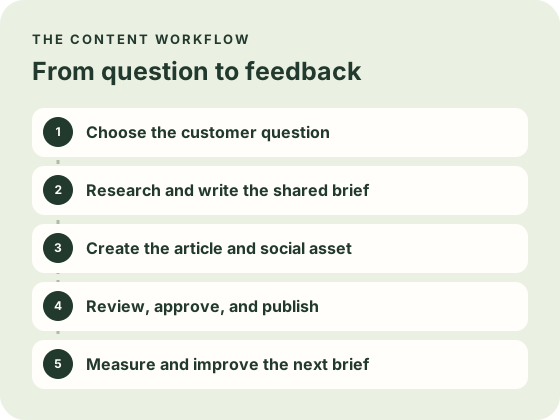
- Choose a customer question. Use support or sales notes to identify what the reader wants to understand or do.
- Research and prepare the brief. Gather product facts and sources. Record the audience, scope, and claims the writer can support.
- Produce the article and social creative. Give the article room to explain the answer. Give the video one visible action that makes the idea easy to grasp.
- Review, approve, and publish. Assign an owner to check the facts, links, rights, and final format before releasing each asset.
- Measure and improve. Check production time, revision rounds, and qualified next steps. Use questions and feedback to choose the next brief.
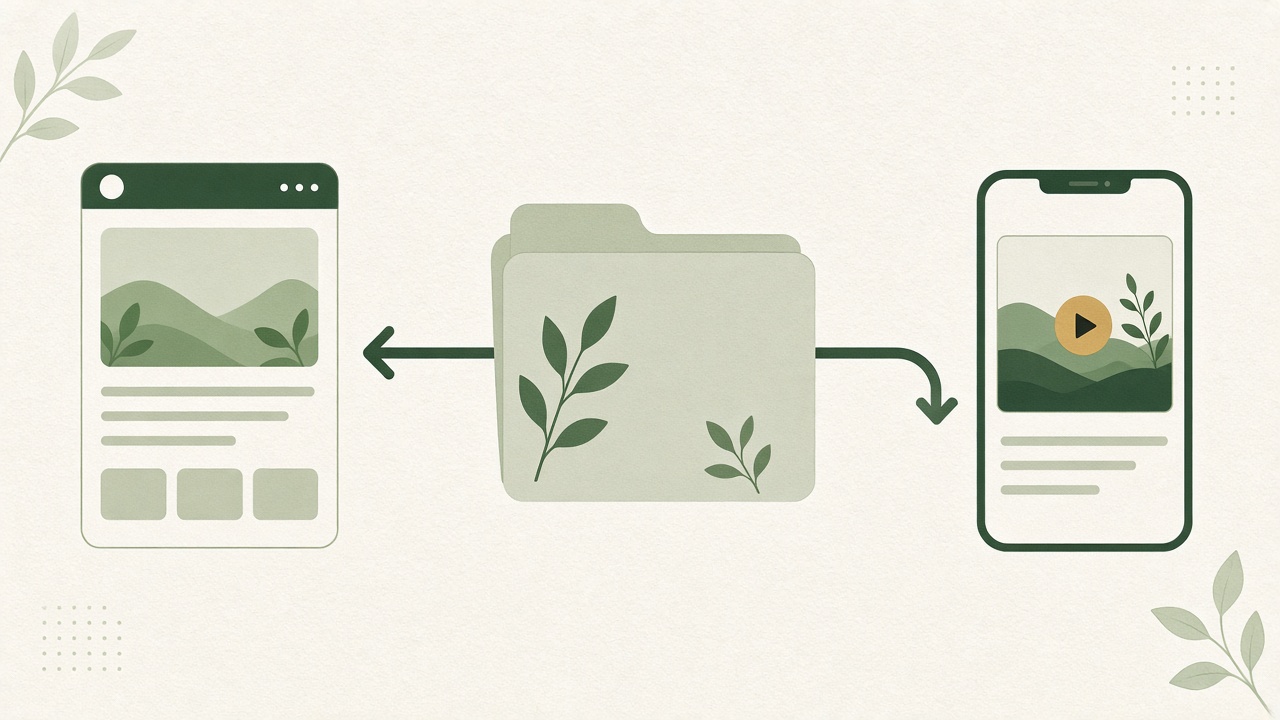
How can a team avoid missing a follow-up after an appointment?
Based on the research’s scheduling software scenario.
Article brief
Help a team set up a follow-up routine. Explain when to schedule a reminder, who owns the next action, and how to confirm it was handled. Check the product’s actual settings before including instructions.
Video brief
Show the same problem in a 20-second demo. Open on a missed follow-up, show the verified reminder setup, and end with the next action the team can take. Review the footage and caption together.
See the actual workflow, review what is included and choose the next step that fits your business.
If the search and social parts are both recurring work for your team, the Growth Duo offer shows what is available together.
Build a brief that can travel
Write the question in the words the customer uses. Add a short explanation of what prompted it, who needs the answer, and what they should be able to do afterward. Keep product names, settings, and source links together. Include a note on claims you cannot yet confirm. A useful brief makes it easy for another person to see what is settled, what still needs a check, and where the supporting material came from.
The article branch should outline the explanation in the order the reader needs it. State the problem, show the steps, and point to the documentation or source that supports the advice. Add an example only where it helps the reader understand the next action. The video branch should decide what can actually be seen on screen. Choose the scene before writing the script, because a strong line will not help if the viewer cannot see the action it describes.
Make review part of the workflow
Before approving the article, open its links, compare the claims against the source, and check that the title matches what the page answers. Use the W3C guidance on video captions to check what viewers need to understand the audio. For a video, watch it without sound first to check whether the on-screen action and captions tell the story. Watch again with sound to catch wording that changes the meaning or arrives before the action. Use approved footage and make sure private customer details are absent from the recording.
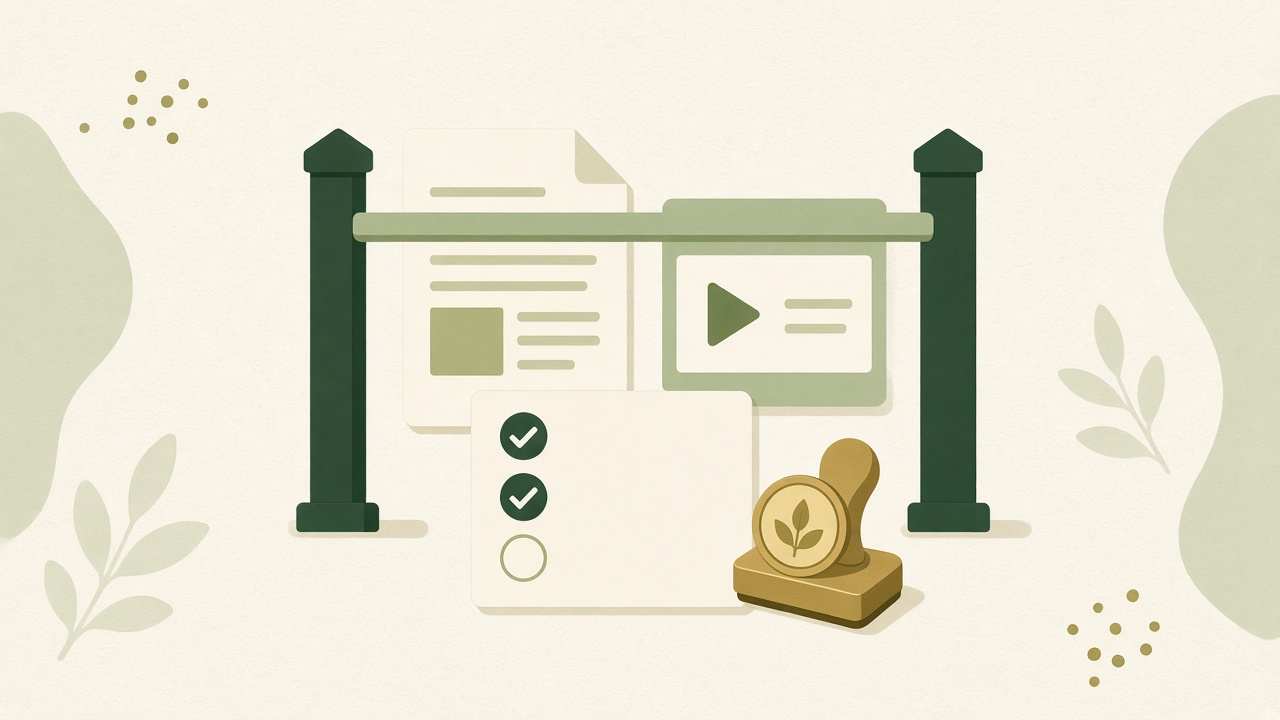
Write down the final destination and the approved version for both assets. If the article changes after the video is approved, check whether its new wording affects the clip or caption. If a social upload fails, record which destinations succeeded before trying again. A status like “published” is only useful if the team can tell what was published and where. Keep a link to the live result beside the brief.
Close the loop after publishing
Plan one short review once both assets have had time to reach their intended audience. Look at the questions people ask and the actions they take. The Search Console performance report can show which queries led to clicks on the article. If viewers ask for a step that the article already explains, the clip may need a clearer link or caption. If readers leave with the same unanswered question, the article may need more detail or a better example. Keep the original question in view when deciding whether to change the asset.
Record what you would repeat and what you would change in the next brief. Keep a rough note of how much time each step took, especially review and rework. The result of the first run can help you simplify the second even if the content itself receives little traffic. A team can learn that footage arrives too late, that source checks need a different owner, or that a shorter brief is easier to reuse.
Where teams lose time
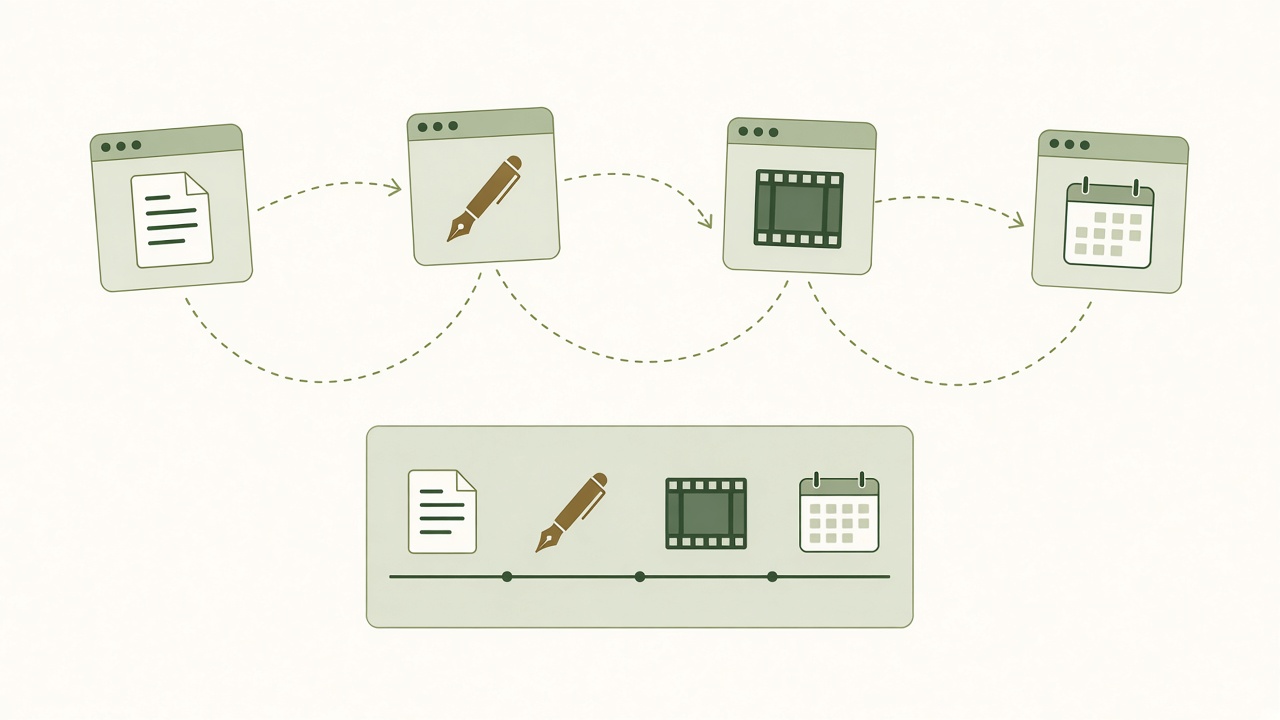
Moving between apps. A topic can pass through research notes, a writing tool, a video editor, and a scheduler. Use one brief and record which version was approved for each channel.
Rebuilding briefs and brand instructions. Keep source links, recurring language, and product facts in a shared place. Update the brief when those facts change.
Publishing without an owner. Name the person who checks each asset, approves changes, and handles corrections after publication.
Find the delay behind the draft
Take a recent asset that shipped late and walk through its timestamps. Note when the brief was ready, when someone picked up the work, when the first draft appeared, and when the final version was approved. Distinguish active editing from time spent waiting for a response. If a draft took an hour but waited three days for product review, replacing the writer is unlikely to change the schedule by much.
Review how information moves between tools. If the team copies the same claim from a support note into a document, then into a script, then into a scheduler, each copy can drift. Keep the original source link and the approved claim together. Let each asset point back to that material even when its wording is different. Record who updates the shared source if a product behavior or policy changes.
Reduce repeated instructions
Write a short set of standing instructions that a new contributor can understand. Include preferred terms, an example of an accurate product description, and one example of wording you would reject. Put details that change from topic to topic in the brief. When someone asks the same question again, update the standing instructions only if the answer applies across work. Otherwise, record it in that brief so the guidance stays useful.
Give review comments a place to land. Ask the reviewer to identify the specific sentence, source, or timestamp that needs attention and describe the change needed. Record when a requested change affects both formats. A single clear decision about a claim can prevent an editor from approving one version while a different version survives in the caption or storyboard.
Give each handoff an owner and an exit
A handoff is complete when the next person has enough information to act. A review request should include the draft, the deadline, the relevant source, and the decision needed. A publishing request should include the approved version, the destination, and instructions for what to do if it fails. Assign a backup if the usual owner is away, especially when the work is tied to a product launch or an announcement.
Start with the handoff that consumes the most repeated effort and run it manually with the new checklist once. If the handoff is still confusing, fix the instructions before connecting apps or scheduling automatic actions. After the next run, ask the receiving person whether they could start without asking for missing context. That answer is a practical measure of whether the process improved, alongside any time the team recorded.
Comparing options
| Check | What to try before choosing |
|---|---|
| SEO depth and source review | Open the sources, confirm that they support the draft, and see whether your editor can correct the brief and citations. |
| Video and social support | Produce one short demo and caption. Check the output format, edit controls, and supported channels. |
| Export and ownership | Export a draft and a creative asset. Confirm what your team can retain and reuse if it changes tools. |
| Integrations and constraints | Try a review and publishing handoff. Confirm destinations, permissions, seat and usage limits, and what happens if publishing fails. |
Use one trial brief across options
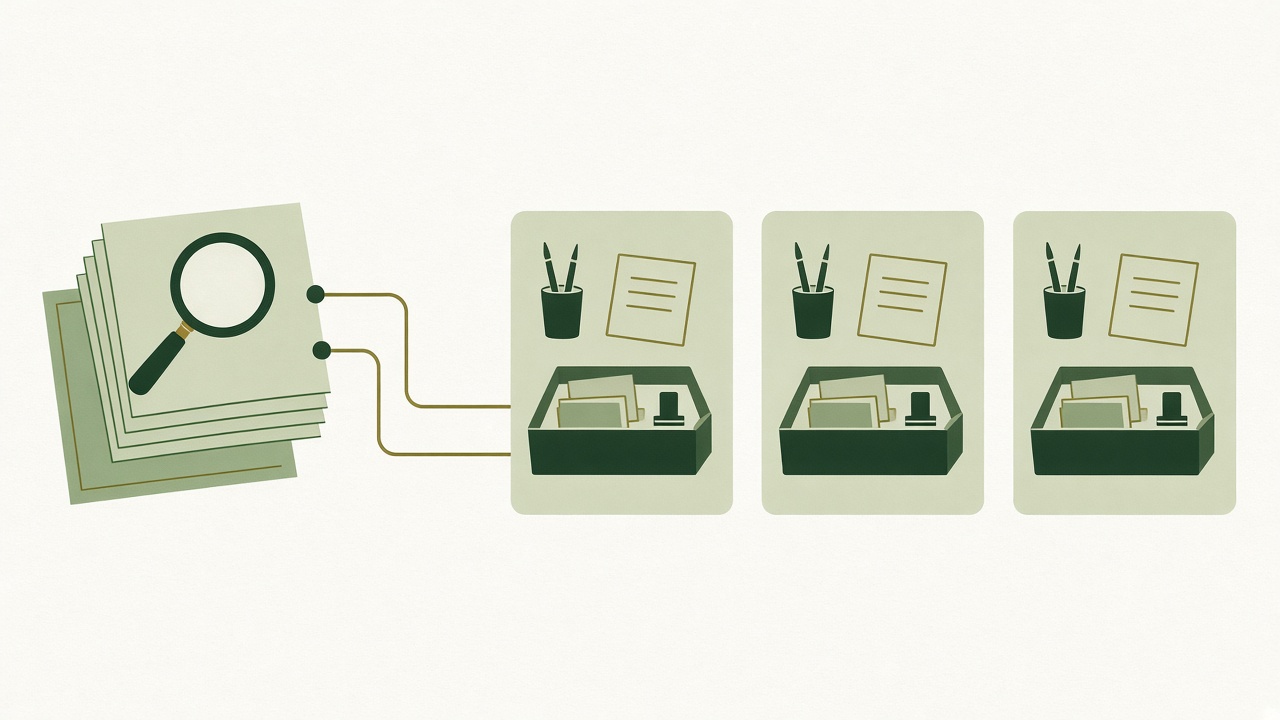
Pick a question that is typical of your next month of work. Keep the source packet, expected article scope, available footage, and target social format the same across each option. Give each workflow the same approval standard. If an option cannot produce a format, record the extra tool or manual step you would need. That makes it easier to compare the whole job instead of whichever feature looks best in a product tour.
Use Google’s people-first content checklist to assess whether the draft adds useful information. For research, open the links the draft uses and read enough to check whether the key claims follow from them. See how the system handles an unclear or conflicting source. Can the editor replace it, update the draft, and retain the correction in the next version? For video, check whether the intended demo remains visible after editing and exporting. Test text size and captions on the kind of device your audience uses.
Compare control after the first draft
Make one ordinary change during the trial. Correct a fact in the article and replace a line or frame in the video. Observe whether the workflow makes it easy to find the latest approved version. Try exporting the outputs that your team wants to retain. Find out whether exports include the format you can edit later, and clarify which materials your account gives you permission to reuse.
Confirm publishing in the context of your actual destinations. A website integration, video export, and direct social connection solve different problems. For WordPress, review the post settings and publishing controls available to your editors. Check which accounts and permissions are needed, how a reviewer can stop a queued item, and who learns about failures. If the trial cannot verify a connection, record that as an open question to resolve before purchase. A supported feature can still be unsuitable if it does not work with the account type or process you use.
Compare the work and the cost together
List the subscriptions, production work, review time, and switching effort for each option. Include any editor, scheduler, or reporting tool your team would still keep. A manual workflow can be a good fit at a small volume when one person has the skills and time. Separate tools can give specialists more editing control. A combined offer can be easier to assess when both formats are recurring and each tool can handle the job you assign it.
Set a short decision rule before testing. For example, require an editor to verify the article’s main claims, require the video to show the intended product action clearly, and require your team to be able to correct an approved draft. Record which options met those checks and where each added work. Compare how often that extra work would occur. A single export workaround can matter very little or quite a lot depending on the publishing cadence.
How Growth Duo fits
BloGoose for website content
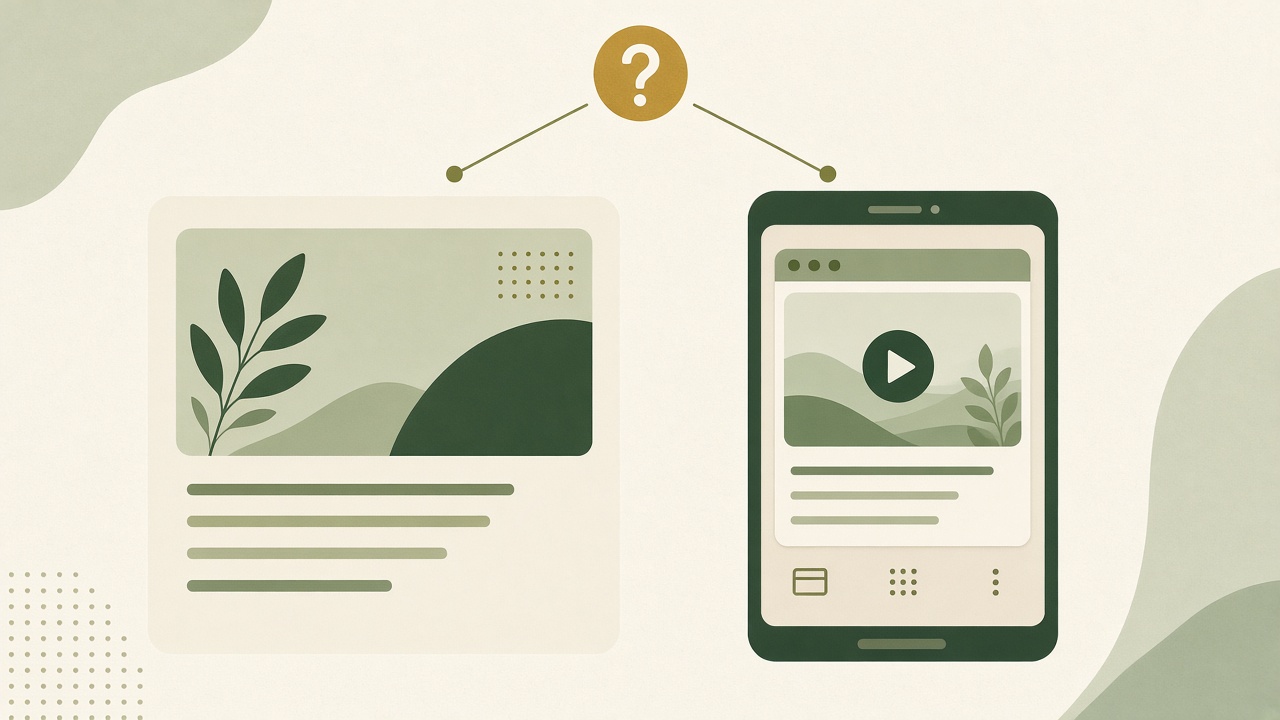
Use the article branch to plan a topic, gather research, prepare a draft, and review it for your website. See BloGoose for its product workflow.
Vlozy for social creative
Use the video branch to show a product problem or feature in a short clip. See Vlozy for product details.
Before buying, verify the current plan limits, output formats, supported connections, approval controls, exports, and support. Growth Duo gives you two separate tools. Assign ownership of the shared brief and each publishing decision in your own workflow.
See whether both jobs are recurring
Growth Duo is worth evaluating when your team regularly has something useful to explain on its site and something concrete to show on social. The question can be shared even when the formats are produced and reviewed separately. If you rarely need one format, estimate how often you would actually use its tool. You may learn that your immediate need is concentrated in the other branch of the workflow.
For the website branch, bring an existing page, a customer question, and the sources that define the answer. Look at how the resulting article treats your product language and evidence. For the social branch, bring the same question and a visible action your team can demonstrate accurately. Use the output to check whether your chosen platform, footage, and caption work together. Keep a note of the edits you would still need to make before publishing.
Check the handoff between the two tools
Use a brief that contains the facts, sources, and review expectations both people need. Then keep the article draft and video version in their own records. With two separate tools, the team should decide where the shared brief lives and how each owner will hear about corrections. A change to the article after review should trigger a check of the video only if it affects a claim or action the clip uses.
Separate the workflow you want from the plan details you need to confirm. Check the current usage allowances, available publishing destinations, review controls, support, and billing terms on the offer and in the applicable product documentation. If a particular integration is essential, ask how it works with your account and who owns the connection. Use the current offer terms when comparing the bundle with the tools you already have.
Decide what a successful first run looks like
Choose an article and a social clip that your team would be willing to publish after review. Record the source material, draft quality, time spent on changes, and whether the final versions match the original question. Ask the people responsible for publishing whether the process was easy to follow. A useful workflow should make it clear where a piece stands and what needs to happen before it goes live.
Look again after the first review cycle. If the article is useful but the video is hard to produce, identify whether the issue is the available footage, the brief, the tool, or a missing approval. If the clip works but the article needs extensive fact-checking, narrow the question and improve the source packet before increasing output. Decide whether the combination fits after seeing both branches through review, rather than judging fit from the number of drafts it can produce.
Frequently asked questions
What is AI content marketing automation?
It is using software to assist repeatable work across content planning, production, review, and distribution. A team still decides what to publish and how to judge the result.
How does AI content marketing automation work?
Start with a question, gather evidence, create a brief, and use it to prepare the right formats. Review both outputs before publishing and use feedback to improve the next brief.
Which parts of content marketing can AI automate?
Depending on the tools, AI can help organize research, propose outlines, draft copy and captions, and prepare content for supported publishing destinations.
How do small teams keep control of AI content?
Give each asset an owner, record the sources in the brief, and agree on the review and approval steps before adding automation.
Can AI plan content for search and social together?
It can help plan both from a shared question. The article should answer the searcher’s question, while the video should show one idea clearly to someone scrolling.
What is the difference between automation and AI writing?
AI writing helps produce text. Automation can also connect steps before and after drafting, such as briefing, routing for review, and preparing approved assets for publication.
What should be reviewed before publishing AI content?
Check product facts, source accuracy, brand voice, rights, links, captions, and the destination. Verify that the final asset serves its intended audience.
How do you choose an AI content automation platform?
Run one brief through each option. Compare research quality, editing control, video formats, exports, approval steps, and the connections your team actually needs.
How can you measure a content automation workflow?
Compare production time and revisions with your previous process. Track qualified visits or inquiries separately from impressions and views.
Does AI content marketing automation guarantee rankings?
No. Automation can support preparation and publication. Rankings depend on the search platform, the site, and how useful the page is for the query. Google’s guide to AI features in Search explains how its normal search practices apply to those results.
Put the answers into practice
Choose an upcoming topic that already matters to your team. Ask which person has heard the question directly and which source can support the answer. Write the article job in one sentence and the video job in another. If both sentences say the same thing, narrow the video to an action you can show. If the two jobs address unrelated problems, choose a clearer topic before adding more steps to the workflow.
Give yourself a baseline for the first trial. Record how many people touch the work, how much time they spend reviewing, and which changes cause another round. Keep a record of what the team published and what it decided to hold. If the first pass creates a lot of unfinished material, improve the handoffs before expanding the calendar. Completed, reviewed assets tell you more about the fit than a folder of drafts.
Check measurement against the original purpose. A useful article may help readers understand a decision or reduce repeat support questions. A useful clip may bring people to the explanation or show where they still get confused. Look for evidence of those actions before judging the workflow. Reach can be one signal, but it does not tell you whether the right person got a useful answer or whether the team can sustain the work.
If you use more than one tool, practice making a correction before relying on the workflow for a time-sensitive announcement. Update the shared facts, identify every draft that depends on them, and see how quickly the owner can review and replace the affected version. A team that can correct an ordinary mistake has a better basis for deciding which future handoffs it is comfortable automating.
Start with the smallest change that addresses the bottleneck you observed. A source checklist may be enough if drafts are missing evidence. An agreed storyboard can help if the video keeps changing late. An export test is useful if the team switches between publishing destinations. Once that change has worked on a real topic, use the same standard to assess the next step.
Compare the two tools with the work your team needs to do each week.