
Your Jasper draft reads smoothly. Then you spot the problem: a feature description contradicts your own product page, and now someone has to fix it. Picture a small team moving its article workflow to WordPress, rewriting every paragraph that disagrees with what its site already says.
That frustration is fair. Correcting a confident draft line by line is slow and tiring. This guide covers switching from Jasper to BloGoose, a researched-article tool that reads your site before drafting. The move takes 7 steps, and your team stays in control of every claim.
You will audit what to keep, choose a plan, connect your site, and carry over your voice. Then you will draft, review, and run both tools side by side. One warning: most switches fail at the review step, not at setup. We come back to why later.
[Optional founder line from Roktim Saha on where switchers usually get stuck. Request from founder, do not fabricate.]
To switch from Jasper to BloGoose, connect your website, carry over your brand voice notes, and generate a researched draft. Then review the facts, the wording, and the publish decision yourself. Run both tools in parallel on real articles before you cancel Jasper.
Should You Switch from Jasper to BloGoose?
Switch if your main output is researched WordPress articles that must match your own site. Stay with Jasper if you mostly need ad or general marketing copy.
Jasper is a general writing assistant, and many teams use it well for short-form marketing work. BloGoose has a narrower job: researched articles grounded in what your website already explains.
| Main content need | What you produce | Does site grounding matter? | Recommendation |
|---|---|---|---|
| Researched articles | Long-form WordPress posts that explain your product, features, and how-tos | Yes. Every claim should match your own pages. | Switch to BloGoose |
| Ad or marketing copy | Ad variations, campaign lines, and short promotional text | Less often. The copy is short and written for a campaign. | Stay with Jasper, or keep it for this work |
Best for BloGoose: founders and small teams who publish researched articles on WordPress and are tired of correcting facts against their own product pages.
Best for Jasper: marketing teams whose weekly output is mostly ad and campaign copy, not long-form articles.
Before you switch, make sure you have:
- A live website with pages that explain your product, so BloGoose can ground its drafts
- Your Jasper brand voice notes, exported or copied out
- Access to your WordPress site
- One named person who owns review
Not sure which tool fits your job? Browse the Verthilix product family to find tools for communication, content creation, and everyday work. For a feature-by-feature look, read BloGoose vs Jasper for researched WordPress articles.
How to Switch from Jasper to BloGoose in 7 Steps
To switch from Jasper to BloGoose, follow seven steps. First, audit what you keep. Next, choose BloGoose alone or the Growth Duo. Then connect your website and carry over your brand voice. After that, generate a researched draft and review its facts, wording, and publish decision yourself. Finally, run both tools in parallel before you cancel Jasper. You need four things: a live website, your Jasper voice notes, WordPress access, and a named reviewer. Most teams can finish setup in one working session. Plan for the parallel run to cover a few real articles.
Before you cancel anything:
Step 1: Audit What You Keep
Sort your Jasper assets into three groups. You will know this step is done when every asset has a column.
| Keep | Rebuild | Drop |
|---|---|---|
| Brand voice notes, plus past published articles to use as reference | Prompt templates, rebuilt as BloGoose voice settings | Non-article copy workflows, which stay in another tool |
Step 2: Choose BloGoose Alone or the Growth Duo
Use this rule. If you also want short videos made from the same product knowledge, choose the Growth Duo subscription. It pairs Vlozy short videos with BloGoose articles under one PayPal subscription, with a separate login for each tool. If you only need articles, choose an individual plan.
Step 3: Connect Your Website
Open BloGoose and add your site URL in the website setting [verify with product]. BloGoose reads your pages before it drafts. Because of that, claims start from what your site already says, not from generic web knowledge. Once connected, your site should appear as a source [verify with product].
Step 4: Carry Your Brand Voice Over
Paste your Jasper voice notes into the BloGoose voice settings [verify with product]. For more on this, see writing blog posts in your brand voice with AI drafts.
Pro tip: Write your voice notes as rules, not adjectives. Instead of "friendly," list the words you use and the words you avoid.
Step 5: Generate Your First Researched Draft
Pick a topic your site already covers well. For example, a team drafts "how to explain a new feature to customers" from its existing feature page. The draft should describe that feature the same way the page does.
Step 6: Review the Facts, the Words, and the Publish Decision
Your named reviewer checks each claim against your pages, edits the wording, and decides whether the draft gets published. The next section covers this step in detail.
Step 7: Run Both Tools in Parallel, Then Cancel Jasper
Draft the same few articles in both tools and compare how much fixing each one needs. Cancel Jasper only after BloGoose drafts pass review without heavy rewrites.
If your website already explains your product, connect it and let your next article start there.
Next, here is how to confirm the switch actually worked.
How to Check That the Switch Worked
The switch worked when one BloGoose article passes your team's own pass/fail checks while Jasper is still active. Only cancel Jasper after that article passes.
- Every product claim matches a page on your site. Compare each claim to the live page that supports it. One unmatched claim is a fail.
- The voice matches your notes. Read the draft against your written voice rules. If you would rewrite whole paragraphs, it fails.
- Edit time is acceptable to your team. Note how long editing takes. Judge that time against your own standard, not a vendor's.
- A named person approved the publish. One person signs off before the article goes live. If no one is named, it fails.
Review an AI draft before publishing by treating it as unverified until a person checks it. Confirm every product claim, price, and feature against a current page on your own site, cut anything you cannot source, read the draft against your voice rules, and have one named person approve the publish. A new tool changes how drafts get made but not who owns them, because you still review the facts, the words, and what gets published, as explained in how to fact-check an AI-drafted article before publishing.
If the Article Fails
- The draft misses a fact from your site: Confirm that the page is included in what BloGoose draws from and is publicly readable. Then redraft.
- The voice feels off: Tighten your written voice rules with specific examples.
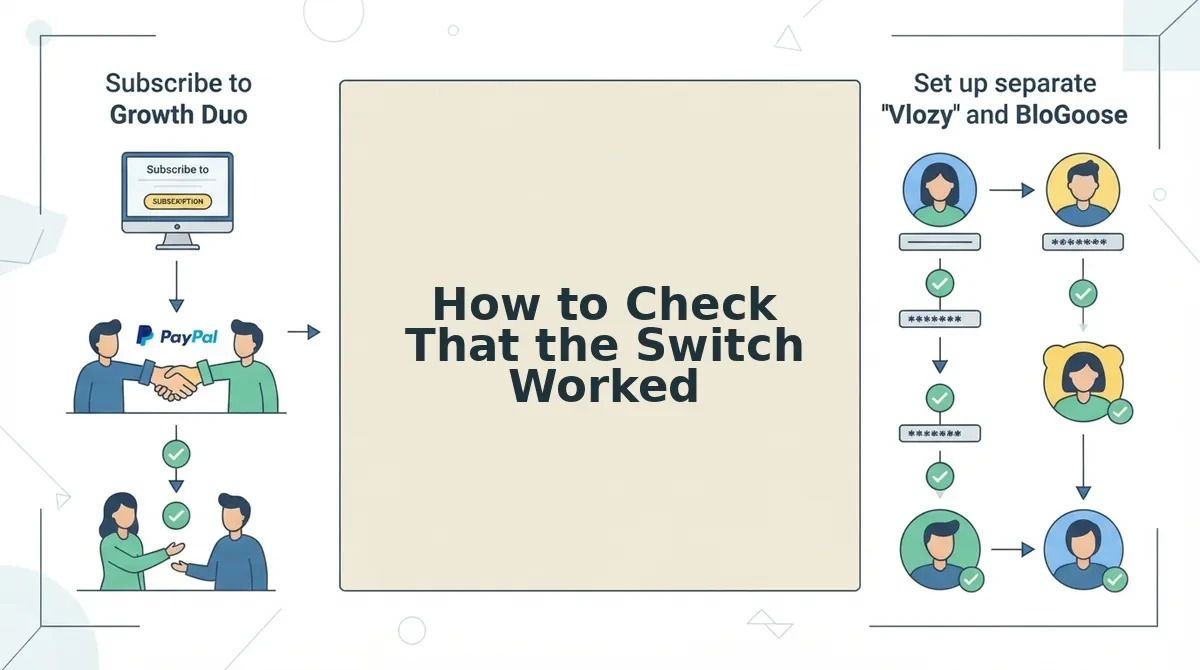
- The team is confused by separate Growth Duo logins: Assign one owner to each tool.
Questions Teams Ask When Leaving Jasper
These answers cover the practical questions that come up after the switch steps.
Does BloGoose publish to WordPress automatically?
Every BloGoose draft should go through your review before it reaches WordPress. The method depends on your setup, so follow the guide on how to route AI article drafts to WordPress. Keep a named approver whichever method you use.
Do Vlozy and BloGoose share one login in the Growth Duo?
No, they do not. The Growth Duo is one PayPal subscription, but Vlozy and BloGoose keep separate logins. Store both sets of credentials in your team's password manager and assign one owner to each tool.
What happens to my Jasper drafts after I cancel?
Export your drafts before you cancel. Download every draft and voice note you want to keep. Then check Jasper's own account terms to see how it handles your data after cancellation, because Jasper sets those terms.
What if BloGoose isn't a fit for my team?
Read the Verthilix refund policy to understand your options. Running the parallel test while Jasper is still active also limits your risk.
Browse more practical content workflow guides in the Verthilix Journal.
Your Next Move After Switching
Your next move is to run the Keep / Rebuild / Drop audit today, draft one BloGoose article, and review it before you cancel anything. Switches rarely fail at the drafting stage. They fail when nobody owns the review.
Once articles are flowing, the same knowledge can do more work. The same team can take the product pages its BloGoose articles draw on and turn them into short Vlozy videos.
If you only need articles, start with an individual BloGoose plan. If you want short videos as well, your next step is the Growth Duo subscription.
Verthilix builds software for business growth, and its founder, Roktim Saha, is accountable for improving it.