
Your website already explains what you sell, yet your blog sits empty while drafts pile up in docs, chat threads, and writing tools that never touch WordPress. For a small team, the best jasper alternative for wordpress blogs starts from the material you have already published, not from a blank prompt.
What is a good Jasper alternative for a small team publishing on WordPress? BloGoose is a strong fit. It drafts researched articles from your own website, so the source material is already yours. Your team then checks the facts, edits the voice, and publishes in WordPress, keeping full editorial control.
The pain is real. One WordPress creator said it plainly on video: publishing a single post meant juggling several tools.
"I keep seeing small teams stall at the same point. They can write. The problem is the gap between what the website says and what the blog says," says Roktim Saha, founder of Verthilix, which builds founder-led software for business growth.
Take a simple case. A founder's site explains a feature in detail, but the blog has no post about it. Point a drafting tool at that feature page, then review what it produces.
Below are five checks for choosing a tool, a step-by-step ownership map we call the Website-to-WordPress Path, and a fair look at where Jasper fits. Watch for the step most tools skip.
What should a small WordPress team need from a Jasper alternative?
A small WordPress team needs a tool that passes five checks. It should start from your own source material, leave room for fact review, respect your brand voice, fit how you publish to WordPress, and avoid adding extra tools to the stack.
| Check | What to ask |
|---|---|
| Source material | Does the draft start from your website or from a blank prompt? |
| Fact review | Who confirms each claim before it goes live? |
| Brand voice | How much editing does a draft need before it sounds like you? |
| WordPress fit | How does the draft get into WordPress? |
| Cost of extra tools | How many other logins and subscriptions does one post require? |
The last check matters more than it looks. Juggling several tools to publish one post is a complaint creators state openly, and every extra tool adds another login and another handoff.
Here's where it gets interesting. Most comparisons stack up feature lists. A more useful question is who owns each step from your website to a published post.
| Path step | Owner with Jasper | Owner with BloGoose |
|---|---|---|
| 1. Source | Team (writes the brief or prompt) | Shared (team points it at the site, tool reads it) |
| 2. Draft | Tool | Tool |
| 3. Fact review | Team | Team |
| 4. Voice edit | Team | Team |
| 5. Publish | Team | Team |
A good Jasper alternative for a small WordPress team is one that takes the Source step off your plate without hiding the Fact review step. BloGoose drafts researched articles from the website you have already written, so your team starts from material it approved once. Your people still check claims, tighten the voice, and publish. That suits founders and lean teams who want blog posts that match their site rather than generic copy. Jasper remains a capable option. It simply asks the team to supply the source through briefs and prompts.
Best for founders with a detailed website and an empty blog: BloGoose. Best for marketing teams producing many content types: Jasper.
For the Publish step, see how to get AI drafts into WordPress through an API or export. If you also want short videos, the Growth Duo pairs BloGoose articles with Vlozy videos in one subscription.
Where does Jasper fit a WordPress blog?
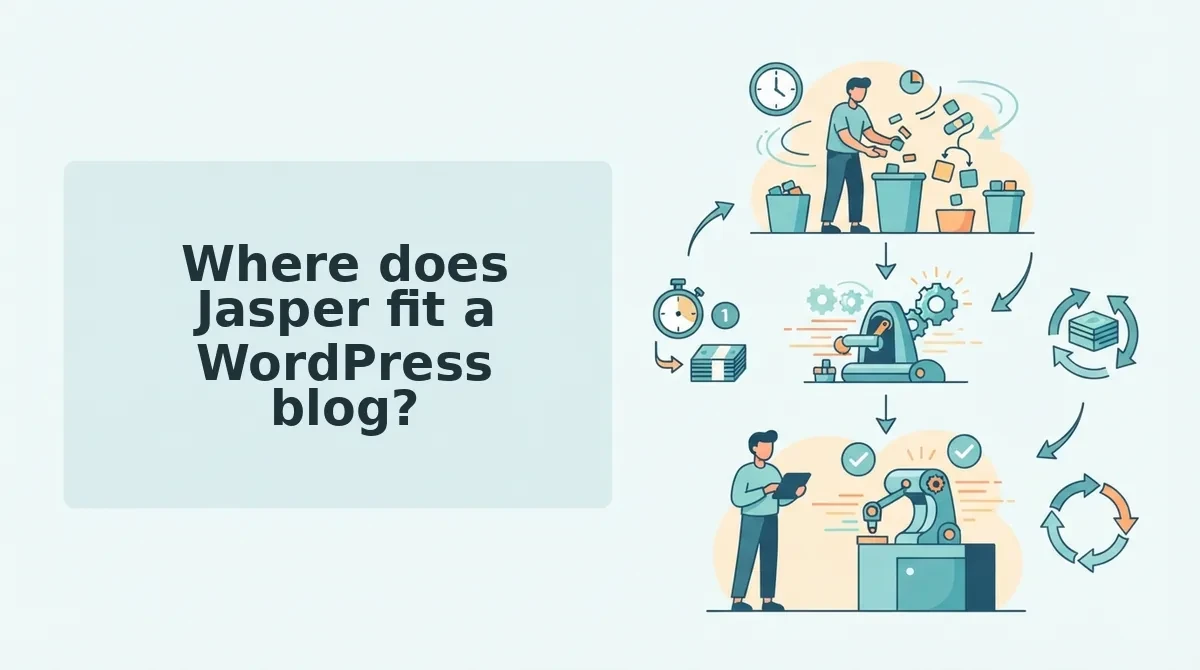
Jasper fits a WordPress blog best when the blog is one channel among many. It suits marketing teams that produce a wide range of content types and have several people sharing the work.
Jasper is a broad AI writing platform built for marketing content, and blog articles are only one of the formats it handles. Think of it as a full commercial kitchen. It is excellent when many cooks prepare many dishes, but more than a two-person café needs to make one daily special.
At the simplest level, a writer gives Jasper a topic and receives a draft. At the next level, a marketing team uses one platform for blog posts alongside other campaign copy, so everyone works in the same place.
The advanced view is about ownership. Look back at the path table. Under Jasper, the Source step, meaning the facts and context a draft is built on, still sits with your team through briefs and prompts. The Fact review step, meaning checking every claim before publishing, also stays with your team, as it does with any drafting tool.
That is not a flaw. It means Jasper rewards teams with the people and process to supply sources and check them. Pricing and plans change, so check Jasper's own site for current details rather than relying on figures quoted in comparison videos.
For a side-by-side view, read BloGoose vs Jasper for researched WordPress articles.
So what changes when the website itself becomes the source?
How does BloGoose turn your website into WordPress drafts?
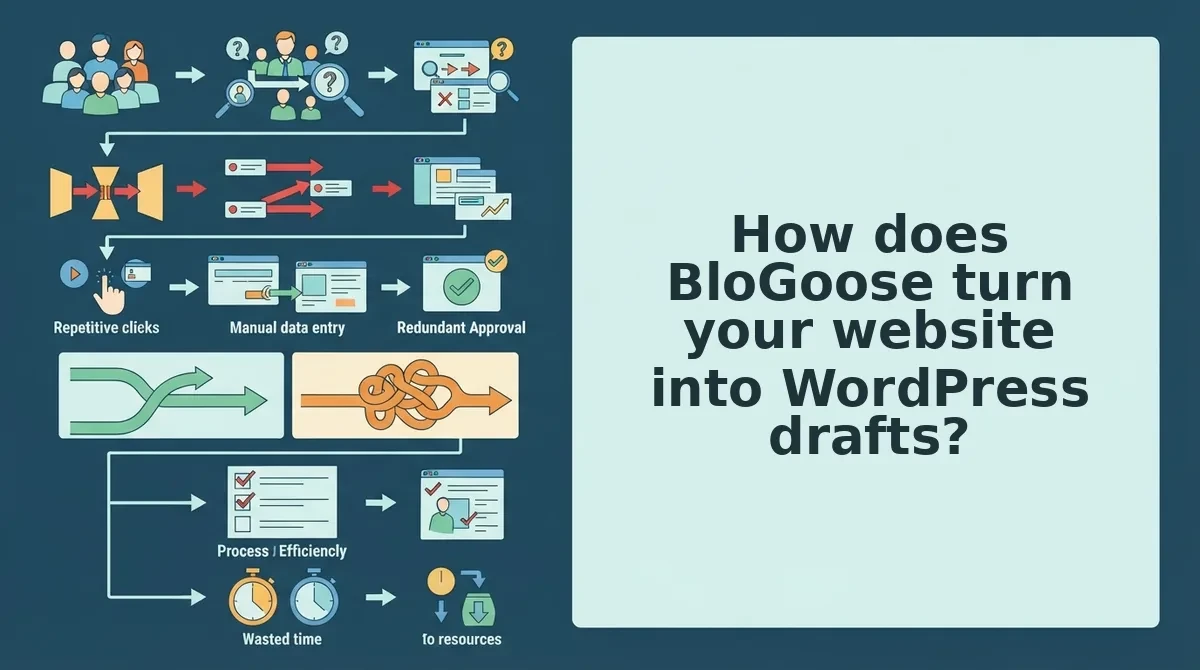
BloGoose is a Verthilix tool that drafts researched articles from your own website, so it starts from what your business already explains rather than from a blank prompt. Your team then checks, edits, and publishes each draft in WordPress.
Before you start, you need: BloGoose access, a public website that already explains your products, services, or common customer questions, and a WordPress login with Editor or Administrator rights.
How does the tool know my business?
BloGoose reads your site. Blank-prompt tools work only from what you type into them. BloGoose works from the pages your customers already see, so thin or missing pages lead to thin drafts.
- Enter your website URL in BloGoose. Use the domain that holds your service and FAQ pages. You should see a draft article built from that material.
- Read the draft from start to finish (about 10 minutes). Note which customer question it answers. You should be able to state that question in one sentence.
- Check every fact against your site (15 to 20 minutes). Open each matching page side by side with the draft and confirm names, features, and claims. Our guide shows how to fact-check an AI-drafted article before publishing. When you finish, every claim either links back to a page on your site or has been removed.
- Edit for voice using the checklist below (about 10 minutes). When you finish, the draft should read like your team wrote it.
- Publish it yourself in WordPress. Go to Posts, then Add New, paste the draft, and click Preview. When the preview looks right, click Publish. You should see the post live at its URL.
| Voice check | What to confirm |
|---|---|
| Terms you use | Product and service names match your site exactly. |
| Claims you can back | Each promise or number points to a page you control. |
| Tone | The draft sounds like your emails and service pages. |
| Customer question | The first paragraph answers one real customer question. |
Worked example: A small team points BloGoose at its business site, checks each fact in the draft against that site, corrects a product name, and then publishes. Nothing goes live without the team.
If your website already answers customer questions but your blog sits empty, this workflow turns those pages into articles you can review in under an hour.
Where does BloGoose fall short, and why won't it auto-publish?
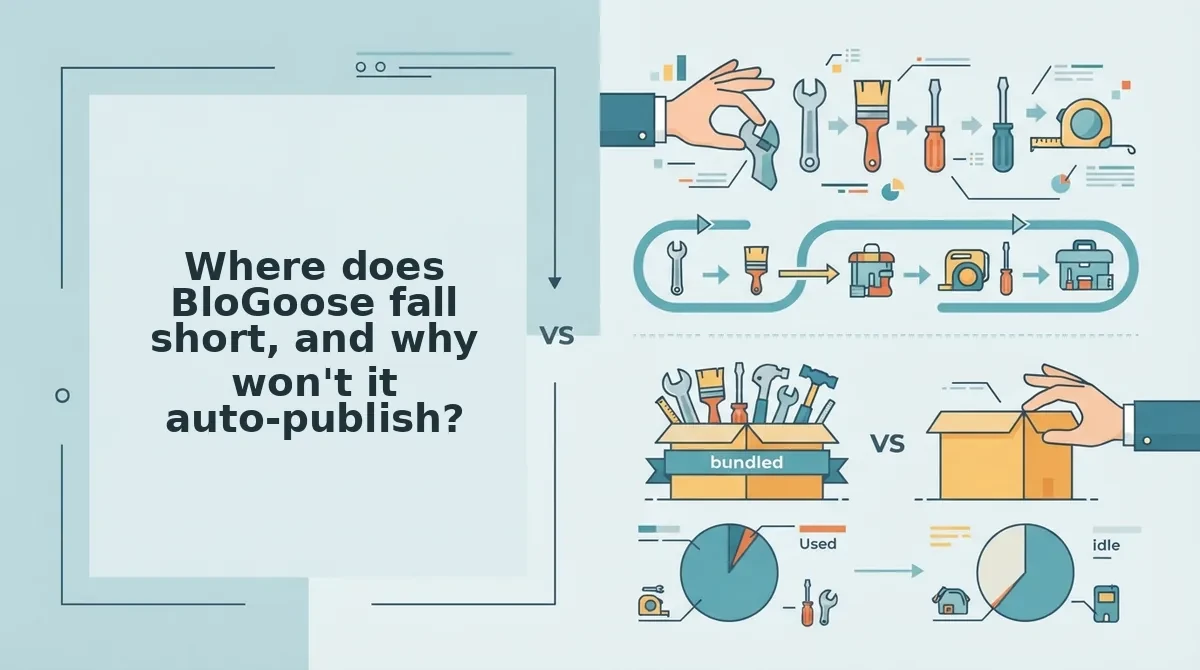
BloGoose is an article drafting tool that turns what your website already explains into researched drafts. It does not publish to WordPress for you. A person on your team reviews, edits, and posts every article. That design choice limits speed in exchange for accuracy.
The honest limits
- No auto-publishing: You paste and publish drafts yourself in WordPress.
- Website-dependent: If your site doesn't explain something yet, BloGoose has nothing solid to draw from.
- Articles only: It writes articles. It does not produce ads, social calendars, or broad marketing campaigns.
- Separate logins in the Growth Duo: Vlozy and BloGoose stay separate products with separate sign-ins.
Should AI auto-publish to WordPress?
For most small teams, AI should not auto-publish to WordPress. Autoblogging, which means software that writes and posts articles with no human in between, can fill a blog quickly. It can also publish a wrong price, an outdated feature, or a claim your business never made, all under your name. A small team has few readers to lose, and a single visible error costs more trust than a slower publishing pace. Keeping one human review step, where someone checks facts against your own website, catches these errors before customers see them.
Think of it like a co-signer on a lease. The tool prepares the paperwork, but nothing counts until your name goes on it.
Auto-publishing vs human review
- Auto-publishing pros: high volume, and no team time is spent posting.
- Auto-publishing cons: errors go live unseen, and the voice drifts away from your brand.
- Human review pros: claims are checked against your site, and your tone stays consistent.
- Human review cons: each article takes team time before it is posted.
Many roundup videos favor autoblogging tools because full automation makes a good demo. Fact review is the step most of those tools skip, and it is the step that protects your credibility.
Teams that also need short video can use the Growth Duo subscription. It pairs Vlozy short videos, each focused on a single feature, with BloGoose articles under one PayPal subscription and separate logins.
Which tool should a small WordPress team pick?
Pick BloGoose if your website already answers the questions customers ask. Pick Jasper if several people need broad marketing content across many channels. Pick the Growth Duo if you need both articles and short video.
Jasper is a strong fit for broader marketing work. BloGoose is narrower on purpose because it drafts articles from your own site.
| Fit factor | Jasper | BloGoose | Growth Duo |
|---|---|---|---|
| Team size | Many people producing content | Small team, few writers | Small team covering blog and video |
| Existing website content | Not required; starts from prompts | Required; drafts from your site | Required for articles |
| Need for short video | Not its focus | No | Yes, through Vlozy |
| Control over publishing | Depends on your setup | You publish every post yourself | You publish every post yourself |
| Best for | Marketing teams that need broad content from several contributors | Founders whose site already explains their offer | Founders who want articles and feature videos on one PayPal subscription |
Worked example: A team starts by asking whether its website already holds the answers customers ask for. If it does, BloGoose fits. If the team needs broad marketing content from many people, Jasper fits better.
Our recommendation: If your service pages and FAQs are already solid, start with BloGoose and add Vlozy later if you need video. You can browse both in the Verthilix product family.
Before you cancel anything, take one practical step first.
Your next step before switching from Jasper
Before you switch from Jasper, check one thing: whether your website already explains what customers keep asking. If it does, BloGoose has the raw material to turn those answers into researched WordPress drafts. If it doesn't, no writing tool will fill that gap for you.
The real choice isn't which AI writes faster. It's which workflow keeps your team in charge of what goes live.
- Audit your pages. List the customer questions your site already answers, and note the ones it misses.
- Name a fact reviewer. Pick one teammate to check claims in every draft before it ships.
- Keep publishing in your own hands. BloGoose never auto-publishes, so you review and publish every post yourself.
Ready to try that workflow? Start with the Growth Duo subscription, which pairs BloGoose articles with Vlozy short videos built from the same website.
Verthilix is not an agency. Roktim Saha, a senior engineer with 12+ years of experience, is personally responsible for improving these tools. You'll find more practical guides in the Verthilix Journal.
The best Jasper alternative for a small team doesn't replace your judgment. It turns what your site already knows into drafts you approve.