
You just shipped a feature. The feature page already explains it, and now you need one short clip that helps customers understand it quickly. That job sits behind most "vlozy vs pictory" searches. I build Vlozy, so here's my bias up front.
Verthilix is founder-led software for business growth, built in India, and it's "Not an agency." Most Pictory "vs" content is low-view affiliate video built around discount codes. This piece gives you a fit-based answer instead of a coupon.
Vlozy fits founders who need one feature shown in one short clip, built from what their website already explains. Pictory fits creators who want general text-to-video editing with broader scene control [verify against pictory.ai]. Choose based on the job you need done, not on which tool has more features.
Below you'll find a criteria table, an honest look at when Pictory wins and where Vlozy falls short, and a short fit test. One question about the job decides the choice, and the fit test answers it.
Before you read on, write down the single feature you need to show. Use it to judge every row that follows.
How do Vlozy and Pictory compare for a feature video?
Vlozy makes short videos, one feature per clip, from what your website already explains. Pictory is general text-to-video software that turns scripts and blog posts into videos [verify against pictory.ai]. For a single feature clip, the right pick depends on how narrow your job is.
The table judges each criterion against one job: a single feature clip. It does not count features.
| Criterion | Vlozy | Pictory [verify against pictory.ai] |
|---|---|---|
| Core job | Show one feature in one short clip | General text-to-video creation |
| Starting input | What your website already explains | Scripts, blog posts, or URLs |
| Scope per video | One feature | Whatever the script covers |
| Editing depth | Narrow by design | Broader scene and timeline control |
| Who reviews output | You approve the clip before publishing | You edit and approve |
| Pairing with articles | Pairs with BloGoose in the Growth Duo | Standalone video tool |
The workflow comparison below runs from an existing page to a published clip.
| Step | Vlozy | Pictory [verify against pictory.ai] |
|---|---|---|
| 1 | Pick the page that explains the feature | Paste a script or URL |
| 2 | Generate one clip scoped to that feature | Pick scenes or stock footage |
| 3 | Review the clip | Adjust the timeline |
| 4 | Publish | Add voiceover and captions, then publish |
Which tool is faster for a single feature clip? If your feature page already explains what the feature does, Vlozy keeps the job narrow. You start from that page, and the clip stays focused on one feature, so you spend less effort deciding scope. Pictory gives you more room to shape scenes, footage, and pacing [verify against pictory.ai]. That flexibility is useful, but it also means more decisions for a one-feature video. Neither approach is wrong. Pick the one whose default matches the size of your job.
Best for founders shipping features: Vlozy. Best for creators editing varied video content: Pictory.
For a step-by-step walkthrough, see how to explain a new product feature in one short video. You can also browse the Verthilix product family to see how Vlozy and BloGoose fit together.
When is Pictory the better choice?
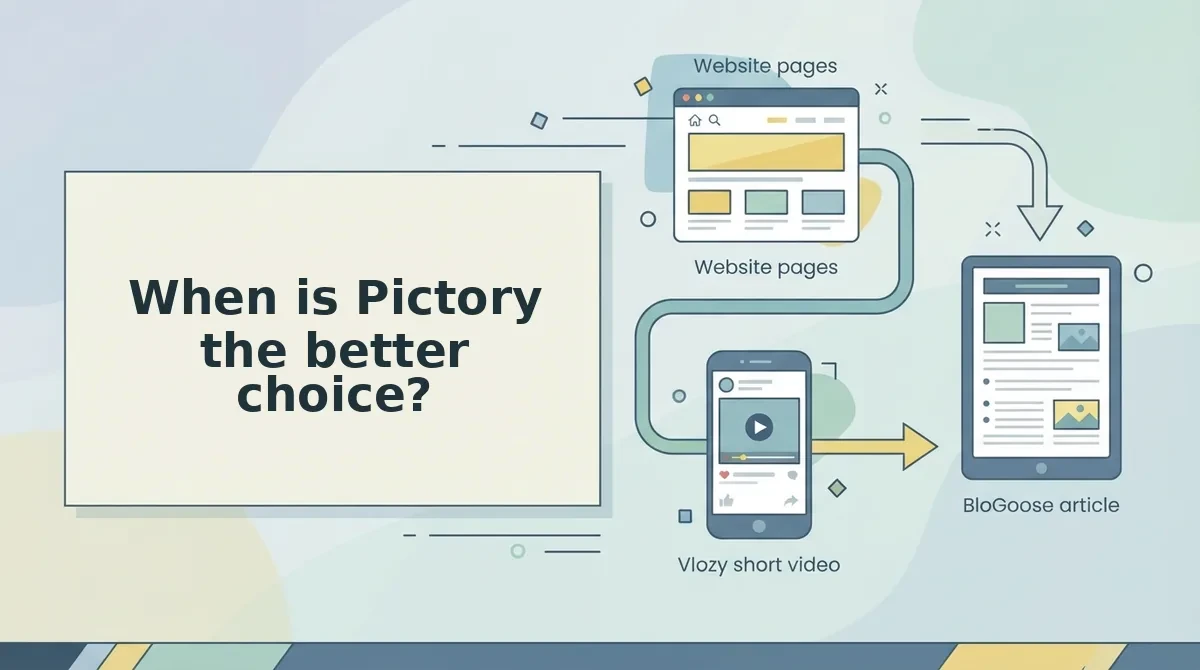
Pictory makes more sense when your video job is broader than one feature. If you're searching for a Pictory alternative, check these scenarios first. In any of them, switching probably isn't worth it. Capability descriptions below are general [verify against pictory.ai].
- Turning long blog posts into videos. Pictory is built as a blog-to-video tool, so it handles long articles that cover many points. Vlozy deliberately stays on one feature per clip. If you need to repurpose a 2,000-word post, start with Pictory.
- Telling stock-footage brand stories. Brand narrative videos often rely on stock scenes that set a mood rather than show a product screen. General text-to-video software suits this better. Use Pictory when the story matters more than the interface.
- Editing scenes and timelines yourself. Some creators want hands-on control over every cut, scene, and caption. Pictory offers broader editing depth than Vlozy's narrow, one-feature scope. Choose it if you enjoy shaping the timeline yourself.
- Making content that isn't about a software feature. Vlozy is shaped around explaining what your product does. Tutorials, opinion pieces, or event recaps fall outside that job. For those, a general text-to-video tool is the honest fit.
So when does the narrow tool win?
When is Vlozy the better choice?
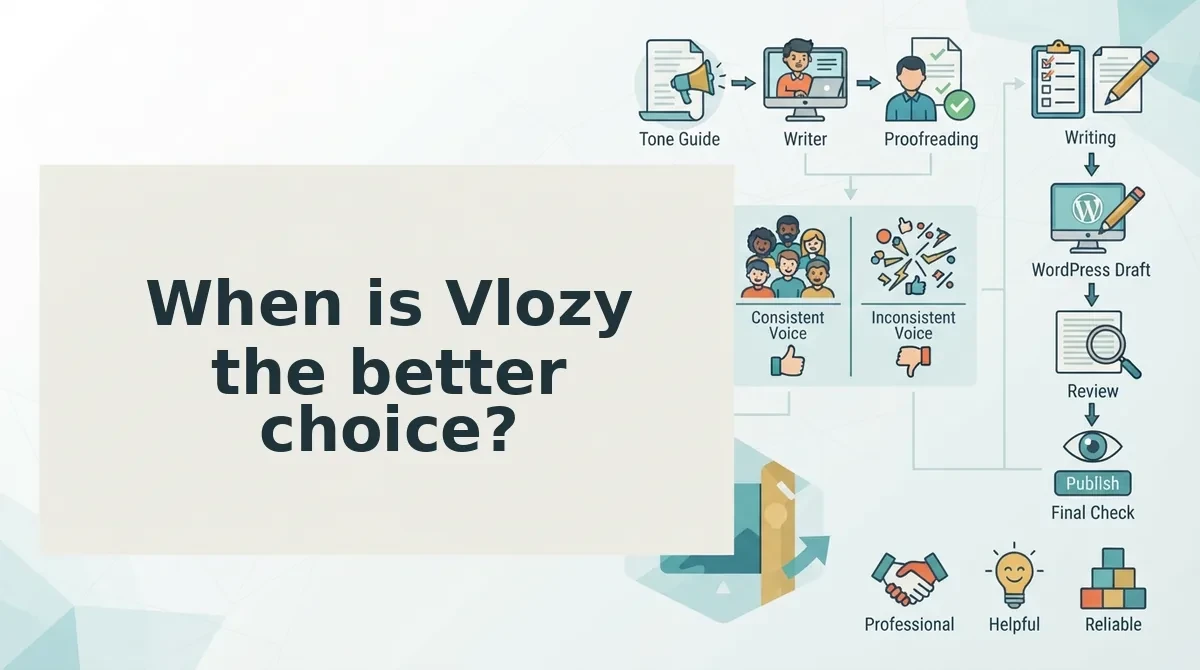
Vlozy is the better choice when the job is one feature in one short clip, built from what your website already explains. If your feature page already describes the feature clearly, Vlozy turns that explanation into a clip, and you never have to build a timeline.
Before you start: You need a Vlozy login, a live feature page on your site, and about 15 to 20 minutes for selection and review.
Worked example #2: turning an existing feature page into a clip
- Pick one feature. Open your product page and choose the single feature customers ask about most. Write its name in one line. You should end up with one feature, not a list. This takes about 5 minutes.
- Point Vlozy at what your site already says. Give Vlozy the feature page that explains that feature. The draft should use your own wording, not generic copy.
- Keep the clip scoped to that single feature. Cut any mention of other features, pricing, or roadmap items from the source. The draft should explain one thing from start to finish.
- Review the facts and words before publishing. Check every claim, button name, and term against the live product. Use this checklist of what to check before a short product video goes live. You should finish with one reviewed clip that explains one feature. This takes about 10 minutes.
For one-feature clips, more editing power is a cost, not a feature. A feature video succeeds when it stays on one feature and gets the facts right. Every extra timeline control, stock-footage layer, and transition option is another decision that can pull the clip off scope or delay publishing. When the source already exists on your site, the hard work is choosing what to leave out, not assembling scenes. A tool that limits scope by design protects the message. A tool built for open-ended editing gives you more ways to drift, plus more hours to spend before one feature is explained clearly.
Vlozy does not run unsupervised. You decide what gets published, and the final review always stays with you.
Does your site explain your features well, but visitors skip the text? The Growth Duo subscription turns what your website already explains into short videos with Vlozy and researched articles with BloGoose.
Where does Vlozy fall short, and which tool fits your job?
Vlozy falls short on long-form video, stock-footage storytelling, multi-topic explainers, and fine timeline control. Choose Vlozy when one video explains one feature using content already on your site. Choose Pictory when you need stock-footage storytelling or hands-on timeline editing.
These limits are deliberate. Vlozy is built for one feature per short clip, so it is the wrong tool for a 10-topic product tour or a narrative brand film.
Pictory is stronger in those areas. Creators who like shaping scenes on a timeline will find more room to work there.
The Job-to-Clip Fit Test
Answer each question with yes or no. Each answer points toward the tool that fits the job.
| Question | If yes | If no |
|---|---|---|
| 1. Is the video about one feature? | Vlozy | Pictory |
| 2. Does the source content already exist on your site? | Vlozy | Pictory |
| 3. Do you need stock-footage storytelling? | Pictory | Vlozy |
| 4. Do you edit timelines yourself? | Pictory | Vlozy |
| 5. Do you also need articles? | Vlozy (via the Growth Duo) | Either |
- Vlozy is best for founders and small teams who ship features and already document them on their website.
- Pictory is best for creators and marketers who produce story-led or multi-topic videos and want to control every cut.
If you are unsure how often to make these clips, read should every product update get its own short video.
One question decides it: is this video about one feature your site already explains? If yes, use Vlozy. If no, Pictory is likely the better fit.
Can one subscription cover feature videos and articles?
Yes. The Growth Duo pairs Vlozy short videos with BloGoose researched articles in one PayPal subscription, with a separate login for each tool.
The Growth Duo is a short video and blog article software bundle from Verthilix that covers both formats under one bill. Think of it like one gym membership with keys to two rooms. You pay once, but each room has its own door.
Simple: You subscribe once through PayPal, then sign in to Vlozy for video and BloGoose for articles.
Intermediate: Both tools draw on the same product knowledge, so your video and your article explain a feature the same way.
Advanced: worked example #3.
- Choose one feature from your site.
- Use Vlozy to turn it into one short clip.
- Use BloGoose to turn the same feature into one researched article.
- Review both for accuracy before either goes live.
The benefit is the workflow, not a longer feature list. One source becomes two formats, and you review both.
See the Growth Duo subscription for details. For the article side, read BloGoose vs Jasper for researched WordPress articles.
That leaves the final call for your next feature video.
Which should you pick for your next feature video?
Pick by the job, not the brand. The deciding question is simple: what does this one feature need to become?
- One feature, one short clip, built from what your site already explains: choose Vlozy.
- Broad text-to-video editing, blog-to-video, or stock-footage storytelling: choose Pictory.
- One feature that needs both a clip and a researched article: choose the Growth Duo.
Whichever tool you use, review every fact and every word before anything goes live.
That third row resolves the question the intro raised. For most founders, the real gap is not a better video editor. It is that one feature launch needs more than a single format.
Your next step is to choose one feature you shipped recently and turn it into a clip and an article with the Growth Duo subscription. For more side-by-side guides, browse The Verthilix Journal.
The best feature video tool is the one that matches the job, and when one feature needs a clip and an article, one subscription beats two workflows.