
Your short clip calls the feature "Auto-Schedule." Your article calls it "Smart Queue." Both describe the same thing, and a customer who sees both now has a reason to doubt each one.
Before publishing a short video and an article about the same feature, review both against the website page they were built from. Check four layers: facts, words, visuals, and voice. Run three checks per layer. Then make a separate go-live decision for each asset instead of shipping them as a locked pair.
This review checklist for a matching video and article prevents that contradiction. A matching video and article are two assets that cover the same feature and are built from the same website page. You already did the hard part by creating both. Now you need a fast way to confirm they tell one story.
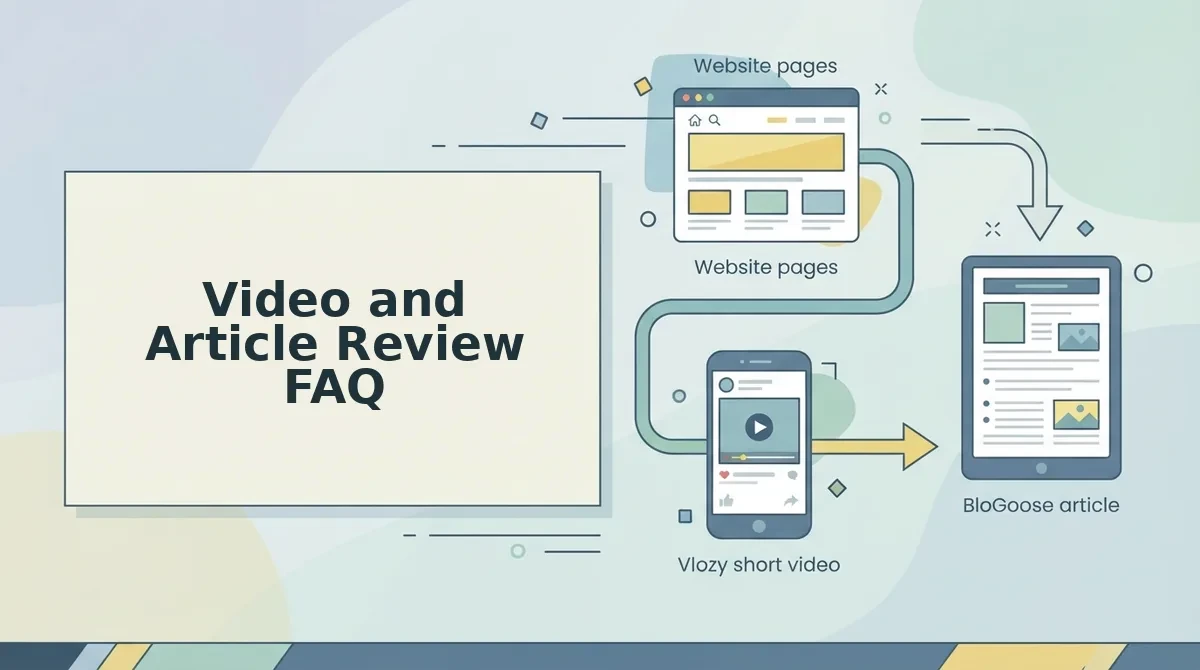
Here is a typical setup. A feature your site already explains becomes one Vlozy clip and one BloGoose article. That is the Growth Duo approach to how to turn website content into short videos and articles, and it is part of how Verthilix builds software for business growth.
Gather three things before you start:
- The live source website page
- The final clip, including captions and on-screen text
- The final article draft
Below are 12 checks in four layers, followed by a go/no-go decision. That decision may show that one of the two needs to wait. Open all three items side by side now.
What Must Match Between the Video and the Article, and What Can Differ?
Facts must match: feature names, steps, settings, numbers, claims, the promise, and the CTA destination. Phrasing, length, level of detail, and order of explanation may differ, because a short clip and a researched article do different jobs.
Identical wording across both formats is a mistake. A 60-second clip should cut words that an article needs to keep.
| Must match | May differ |
|---|---|
| Feature name | Sentence phrasing |
| Steps and settings | Length |
| Numbers and claims | Level of detail |
| The promise to the viewer or reader | Order of explanation |
| CTA destination | How the CTA is worded |
When the two assets disagree, the website page both were built from is the source of truth. Review each asset against that page, not against each other. If you compare the clip only to the article, you can copy the same error into both.
Separate reviews have real strengths. A video-focused reviewer catches pacing and caption timing, and an editor catches structure. A paired review against the page, however, catches contradictions that neither reviewer sees alone.
- Best for solo founders shipping both assets the same day: one paired review against the page.
- Best for small teams with a video person and a writer: separate format reviews first, then a short paired check against the page.
For more practical content workflows, browse the Verthilix Journal.
How to Run the 12 Checks Step by Step
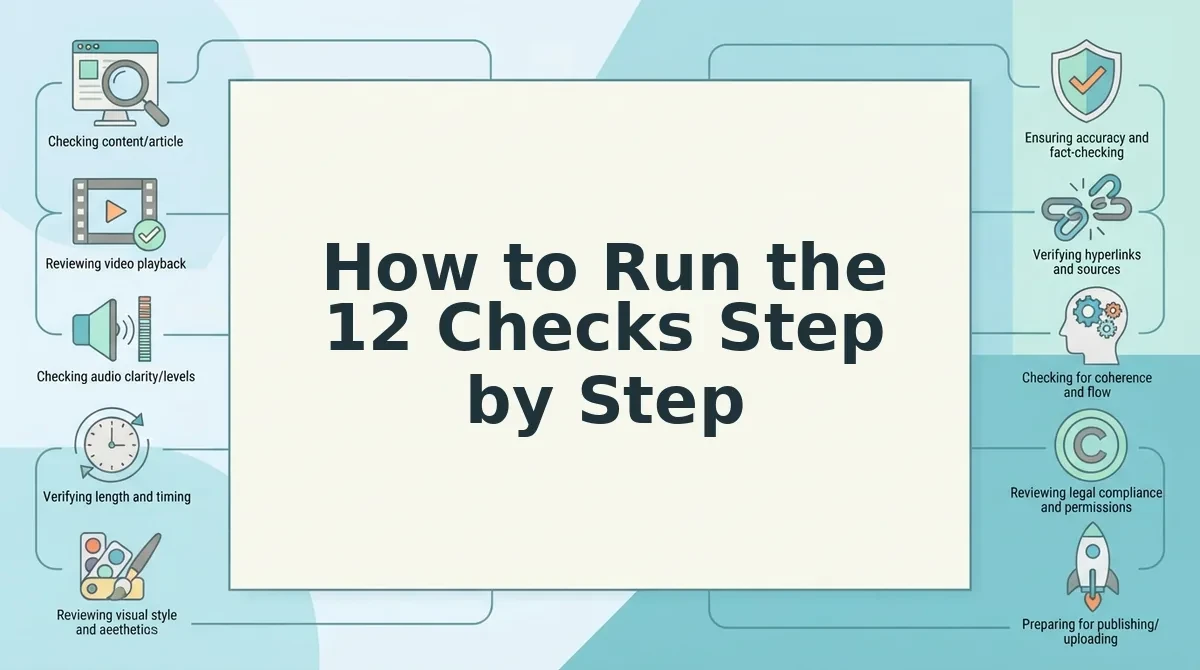
Run 12 checks across four layers (facts, words, visuals, and voice), with three checks in each layer. Every check asks two questions: does the clip agree with the article, and do both agree with the website page?
What should you review before publishing a short video and article about the same feature? Start with the website page both assets came from, and treat it as the source of truth. Confirm the facts first: the feature name, the steps and settings, and every number or claim. Next, check that the words match, including captions that use the article's terms. Then verify the visuals: on-screen text, a UI that matches the current product, and screenshots that match the clip. Finish with voice: the same tone, no overclaiming, and one CTA destination. Clear each layer for each asset separately.
Before you begin, open three tabs: the live page, the clip with captions turned on, and the article draft.
- Facts
- Compare the feature name across the clip, captions, article headings, and page. Success means you see one identical name everywhere.
- Pause the clip on the screen it shows. Then walk through the article's steps and settings against that frame. Success means every step maps to something visible, in the same order the page uses.
- Highlight each number and claim, then find it on the page. Cut anything the page does not support. To go deeper, see how to fact-check an AI-drafted article.
- Words
- Write the promise of each asset in one line. Both lines should say the same thing.
- List the key terms in the article, then confirm the clip uses no synonyms for them.
- Read the captions against the article's feature terms, not only for spelling.
- Visuals
- Check every piece of on-screen text for accuracy. See what to check before a short product video goes live.
- Open the current product and confirm the UI in the clip still matches it.
- Place the article screenshots next to the clip's screen. The labels and layout should match.
- Voice
- Read the article intro, then watch the clip's opening seconds. The tone should feel like one author wrote both.
- Remove claims the page cannot back. I watch where people struggle, and it is usually where a promise outran the product.
- Click the CTA destination in both assets. Both should land on the same URL.
Scale the depth of your review to the risk of each claim, not to a fixed time. A pricing or results claim needs line-by-line checking. A tone tweak needs a quick read.
If you pair a short video with a researched article through the Growth Duo, both assets start from the same page, so this review becomes confirmation rather than repair.
Once all 12 checks are done, decide which asset is ready to publish.
How to Decide Which One Goes Live With a Go/No-Go Matrix
Choose one of four outcomes: publish both, publish the article only, publish the clip only, or hold both. Each asset passes or fails against the website page on its own, so one failed check does not have to block the other asset.
Can a video go live without its article? Yes, as long as the clip passes every check against the current website page. The video does not wait for the article, because the page is the reference, not the other asset. If an article step no longer matches the page, publish the clip and revise the article separately. The reverse also works. An article can ship while a clip with an outdated feature name on screen goes back for a re-cut. The exception is a page that is itself wrong. In that case, nothing ships until the page is fixed and both assets are re-reviewed.
| Outcome | Trigger | Next action |
|---|---|---|
| Both live | All 12 checks pass | Publish the pair together |
| Article only | The clip shows an outdated feature name on screen | Re-cut the clip |
| Clip only | An article step no longer matches the page | Revise the article |
| Hold both | The page is outdated, or a core claim fails | Fix the page first, then re-review both |
- Both live: Best for founders launching a page who want the two formats to support each other on day one.
- Split publish: Best for small teams that would rather ship one verified asset now than delay both.
- Hold both: Best for business owners whose core claims carry real risk. It costs time, but it protects trust.
Video and Article Review FAQ
These answers cover the practical questions the checklist and matrix leave open.
How long should a video and article review take?
Review time should scale with the risk of the claim, not follow a fixed time. A clip that restates a simple benefit needs a light pass. Pricing, product capabilities, or anything a customer could act on needs a slower check of every claim against the page.
What if the website page itself is out of date?
Update the page first, because it is the source of truth for both assets. Reviewing a video or article against an outdated page only confirms the wrong facts. Once the page is correct, run the full checks on both assets again.
Do I re-review after re-cutting the clip?
Yes. Re-run the Facts and Visuals layers on the new cut and check them against the page. A re-cut can introduce new on-screen text or a different frame, so the approval for the old version does not carry over.
How do I review a product feature video before publishing?
Run all four review layers, and give extra attention to what appears on screen. Every interface, button label, and feature name in the clip should match the current product, not an earlier version captured during recording.
Publish the Pair With Confidence
A matching video and article do not have to launch together. Each one only has to match the website page. That standard lets you ship whichever asset is ready without lowering the bar for the other.
Your next three moves:
- Open the website page the pair is based on.
- Run the 12 checks against that page.
- Pick one of the four matrix outcomes and act on it.
The control stays with you. Tools can draft the clip and the article, but you review the facts and the words, and you decide what gets published.
To start with drafts worth reviewing, try the Growth Duo, which pairs a short video with a researched article. It combines Vlozy and BloGoose in one PayPal subscription, with separate logins for each tool. You can also browse the Verthilix product family. With every pair checked against one source, each video and article you publish strengthens what your website already says.