
Someone finishes the Growth Duo page, likes the idea of Vlozy videos and BloGoose articles together, and still wonders: does one subscription mean one login?
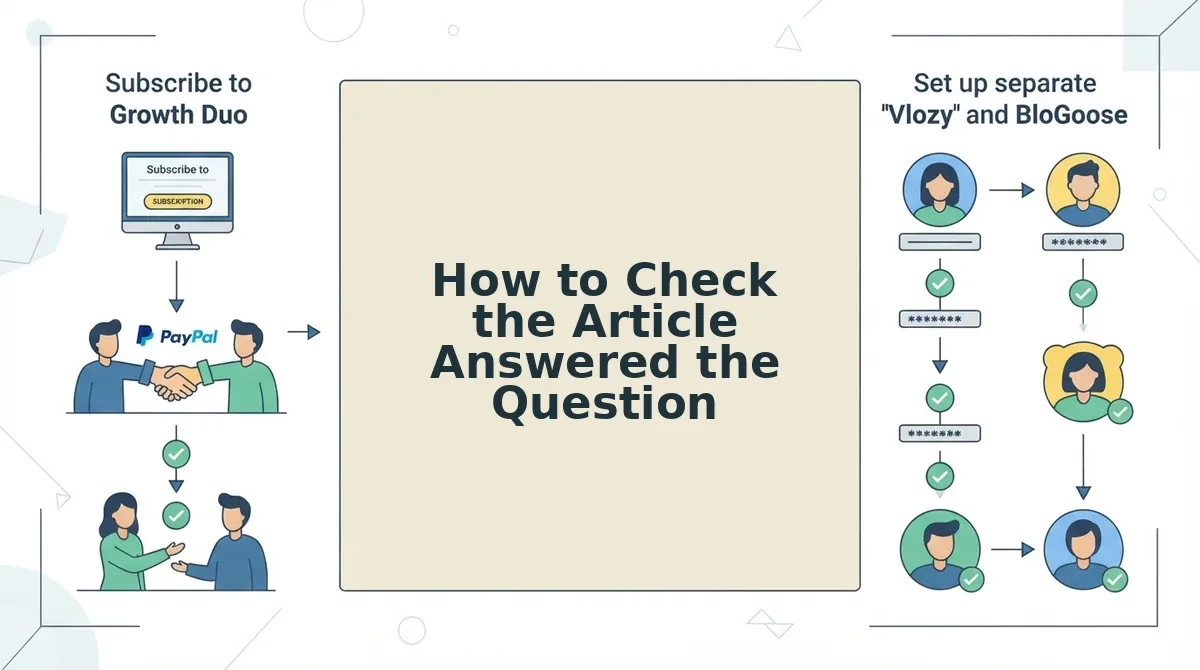
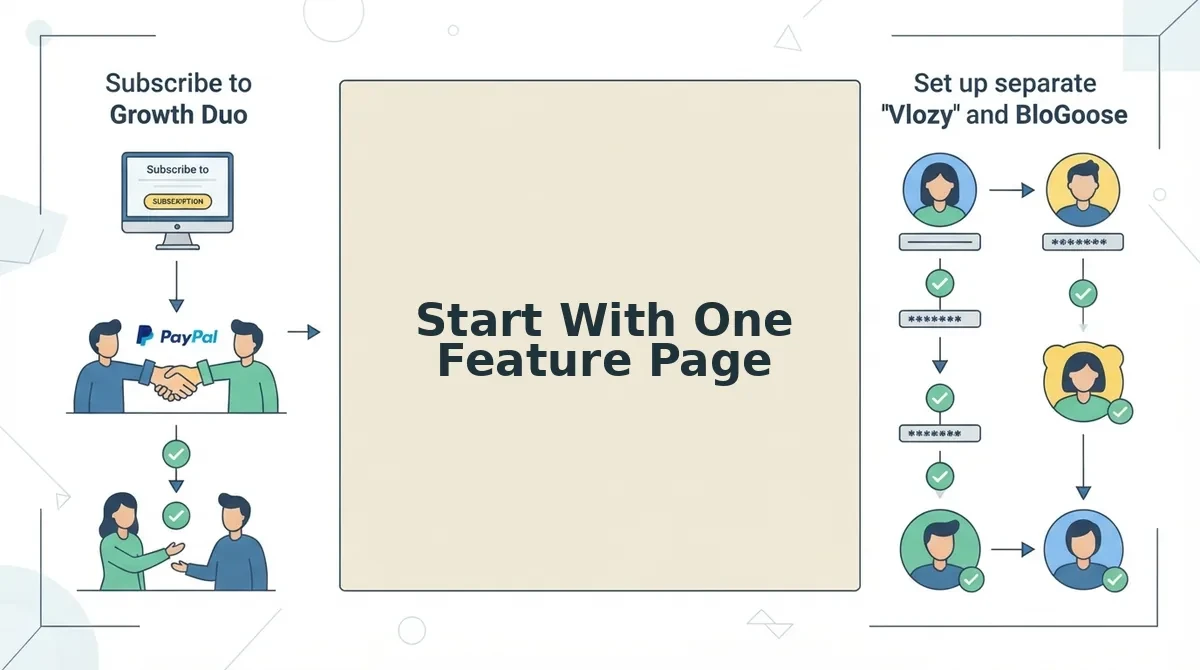
It doesn't. Growth Duo is one PayPal subscription with separate logins for Vlozy and BloGoose. I watch where people stall on a page, and gaps like this are where they stop.
Every feature page leaves questions open, and that is normal. Below, I show how blog articles answer a customer's next question in five steps: audit the page, sort the questions, confirm them in your own inbox, choose between a post and an FAQ, then draft, review, and link back.
Those follow-up questions fall into five predictable types. Keyword tools are not the first place to look for them, and I'll show you where to look instead.
Blog articles answer a customer's next question by naming what the feature page leaves unsaid, answering it with steps or evidence the page has no room for, and linking back to the page. The page stays focused on one capability, and the reader never hits a dead end.
How Do Blog Articles Answer a Customer's Next Question?
Blog articles answer a customer's next question by picking up where a feature page stops. The page sells one capability, so the article carries the follow-up: whether the product fits, how to set it up, what it changes, what could go wrong, and how it compares.
A next question is what a reader still needs to know after a page ends. A feature page is a page that sells one capability of a product. A researched article is a blog post built from checked sources, starting with the feature page itself.
Think of a feature page as a shop window. It shows the best item clearly, but buyers still walk in to ask about sizes and returns, and the article is the assistant who answers them.
The Next-Question Map
| Question type | Example | Article format |
|---|---|---|
| Fit | Is this for me? | Use-case article |
| Setup | How do I start? | Step-by-step guide |
| Cost/Replace | What does it change? | Before/after explainer |
| Risk | What could go wrong? | Limitations article |
| Compare | Versus what I use now? | Comparison article |
Customers ask five types of questions after reading a feature page, and each type points to one article format. Fit questions (is this for me?) need a use-case article, Setup questions (how do I start?) need a step-by-step guide, Cost/Replace questions (what does it change?) need a before/after explainer, Risk questions (what could go wrong?) need a limitations article, and Compare questions (versus what I use now?) need a comparison article. Sorting each question this way tells you which format to write before you draft a single sentence.
What to have ready
- One live feature page
- Access to your support inbox and sales replies
- A WordPress site
- Time to review facts before publishing
Verthilix makes How to Turn Feature-Page Questions Into Articles Step by Step
To turn feature-page questions into articles, first audit what the page leaves unsaid, then sort and confirm those questions in your own customer conversations. Then decide which questions belong in an FAQ and which deserve an article, and draft from the source page with a human review before publishing.
Before you start, you need: one live feature page, access to your support inbox and sales replies, notes on where new customers get stuck during onboarding, and a WordPress site.
- Audit one feature page. Read it as a first-time buyer would. Write down every question it raises but never answers. This takes one focused sitting. You should finish with a short, plain list of gaps.
- Sort each open question with the Next-Question Map. The Next-Question Map is a way of grouping the questions a page leaves open by what the reader needs next, such as setup, cost, or fit. You should see each question sitting in one clear group.
- Confirm the questions in owned sources. Search your support inbox, sales replies, and onboarding friction notes for the same wording. These sources work even when your site gets little traffic. Check keyword tools second. Many creators tell you to start from search, but search shows generic questions. The next question comes from your own page's gaps. You should see your shortlist backed by real customer wording.
- Apply the post-vs-FAQ rule. Short answers go on the page itself, and longer ones become articles. You should see two lists: FAQ additions and article topics.
- Draft, review, publish, and link back. Point BloGoose at the source page and generate a draft. Check every fact against that page, edit the wording to keep the draft in your brand voice, publish to WordPress, and link the article back to the feature page. You should see a live article that points readers back to the feature it explains.
The post-vs-FAQ rule: If a customer's question can be answered fully in two sentences, add the answer to the FAQ on the feature page, where buyers already look. If the answer needs steps, evidence, or a comparison, write a dedicated article. Steps need room to be followed in order. Evidence needs space to be shown and checked. A comparison needs both options laid out side by side. Cramming any of these into an FAQ entry hides the detail a buyer needs to decide, while stretching a two-sentence answer into a full post wastes the reader's time.
Worked example: The Growth Duo page raises a common setup question: "Do I need separate logins?" Steps from the page are needed to answer it, so it becomes a Setup article. BloGoose drafts from the Growth Duo page itself. A human then checks each claim against that page before it goes live on WordPress. Unlike autoblogging pitches, nothing publishes without your review. You check the facts, the words, and what gets published.
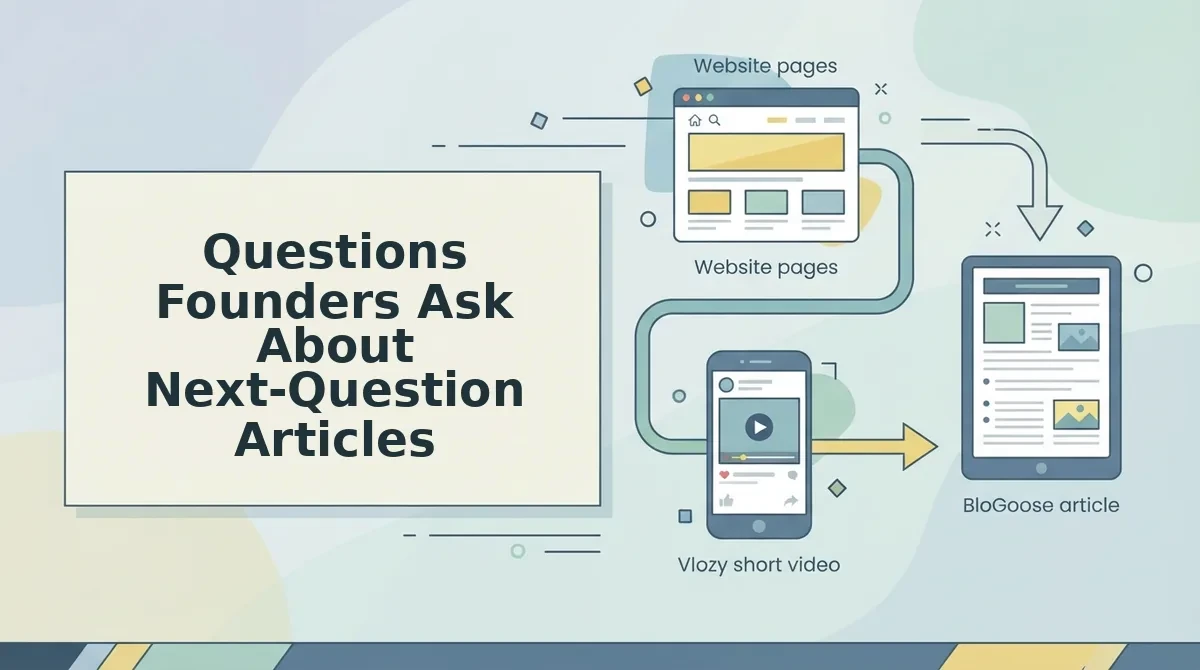
If you want both formats from one subscription, the Growth Duo pairs researched articles with BloGoose and short videos from Vlozy. Vlozy can show the same feature in a short clip, so the question gets answered in writing and on screen.
Publishing the article is only half the job, so the next step is proving it worked.
How to Check the Article Answered the Question
An article answered the question when the answer comes first, every claim matches the feature page, the two pages link to each other, and the question arrives less often. Run these four checks in order.
- The answer appears in the first two sentences. Read only the opening two sentences and ask whether a customer now has their answer. If not, move it up, because readers and AI answer engines both pull from the top.
- Every claim matches the feature page. Compare each step, limit, and setting against the live page. A mismatch creates a new support question instead of closing one.
- The two pages link in a loop. Link the article back to the feature page with a descriptive anchor pattern, such as "[feature] setup steps." Then link the page FAQ to the article so readers reach the answer from either side.
- The question shows up less often. Watch your support inbox and sales replies over the following weeks. Fewer repeats is your success signal, and it comes from sources you own.
So what does that mean for you? You get a repeatable check, and the same idea works for the pre-publish check for short product videos.
One honest limit: this checklist does not replace talking to customers, and you still review what gets published.
Questions Founders Ask About Next-Question Articles
Most founders ask about volume, AI review, and low traffic. Here are short answers to each.
How many articles should one feature page get?
Start with one article per question type the page leaves open, not a fixed count. If a page answers what a feature does but not setup or pricing fit, write those two first. Add more only when new questions keep arriving.
Can an AI tool write these without my review?
No, and it should not. BloGoose drafts researched articles from what your site already explains, but you review the facts, the wording, and what gets published. That review keeps claims matched to your feature page and avoids autoblogging.
What if my site has almost no traffic yet?
Use owned sources instead of search data. Your support inbox, sales replies, and onboarding friction already show which questions customers ask after reading a feature page. Those questions make better article topics than keyword guesses.
Start With One Feature Page
The fastest way to answer a customer's next question is to start with one feature page, not a content calendar. One page gives you real questions, a source of truth, and a clear test of success.
Pick the feature page that drives the most support or sales questions. List its open questions against the five question types, then draft one article from the most common one. Run the four checks before and after it goes live.
Once that loop works, repeat it page by page. To speed it up, the Growth Duo pairs BloGoose researched articles with Vlozy short videos in one PayPal subscription, with separate logins for each tool, so every article can ship alongside a short video.
Want more practical guides first? Browse the Verthilix blog. Either way, each answered question is one fewer customer left wondering.