
You ship one new feature on Tuesday. By Friday you need two things from the same feature page: a short clip that shows it working and a researched article that explains why it matters.
That is when the choice between the Growth Duo and separate tools becomes practical. With separate video and article tools, each one learns your product on its own, so you explain the same feature twice. If that already sounds tiring, you are not alone.
I'm Roktim Saha, and I build both tools in the Growth Duo, so I'll tell you where the bundle doesn't fit. This is an honest comparison of the growth duo vs separate video and article tools, not a sales pitch. For the full workflow, read how to turn website content into short videos and articles.
Ahead you'll find the verdict, a friction ledger that counts logins, bills, and review steps, the limits of bundling, and a decision matrix. One trade-off stays even with a bundle. Keep reading to see which one, then choose the setup that fits your next feature launch.
Is one subscription for short videos and articles better than separate tools?
One subscription is better when both outputs come from the same product knowledge, such as one feature page that needs a clip and an article. Separate tools are better when the video and the writing start from different inputs, such as event footage on one side and outside industry research on the other.
The same-source test is a quick way to decide. List the next five things you plan to publish, then write down where the facts for each one live. If most videos and articles draw on the same pages of your website, one subscription that works from that site saves you from briefing two tools on the same product details and then reconciling two versions of the truth.
If your clips come from customer interviews or live demos while your articles come from industry research, the inputs already differ. In that case, separate specialist tools can serve each job without forcing a shared source that doesn't exist.
Separate tools have real strengths. You can pick each tool for its own format, swap one without touching the other, and keep teams that work on different inputs independent.
A bundle does not mean one login. Here is the friction ledger:
| Criterion | Growth Duo | Separate tools |
|---|---|---|
| Logins | 2 (Vlozy and BloGoose) | 2 or more |
| Bills | 1 PayPal subscription | 2 or more |
| Knowledge sources | 1: your website | Differ by tool |
| Review steps | Check both outputs against one source | Check each output against whatever that tool was given |
| Best for | Founders and small teams turning their own feature pages into clips and articles | Teams whose video and article work use different inputs, owners, or specialist needs |
No prices appear here because none are published in this comparison. Weigh the cost and limits of each plan on its own terms.
If your bottleneck is re-briefing, the deciding detail is this: BloGoose reads your site before drafting, so your article starts from the same page your clip shows.
What does the Growth Duo give a small team?
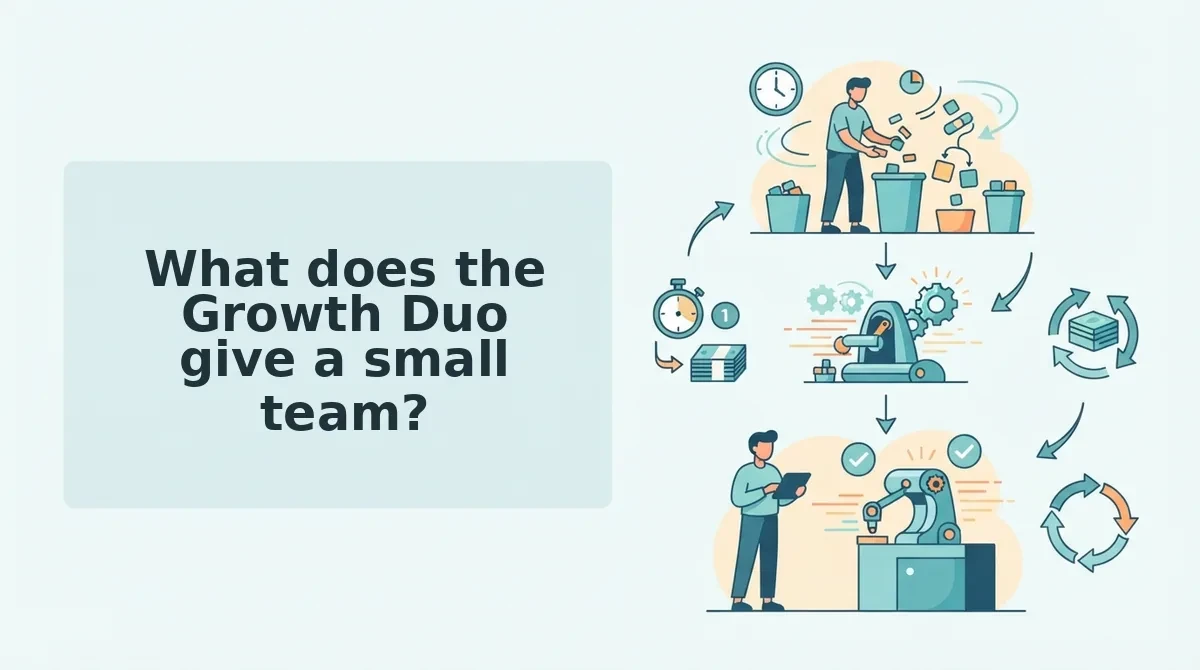
The Growth Duo gives a small team two content outputs from one source: short videos from Vlozy and researched articles from BloGoose, on one bill. Your website supplies the product facts for both.
The Growth Duo subscription is Vlozy plus BloGoose on one PayPal subscription, with separate logins for each tool. Think of your website as the master recipe card in a kitchen with two cooks. One plates a quick appetizer and the other prepares the full meal, but both follow the same card.
Vlozy: one short clip about one feature
Vlozy is a short-video tool that makes one short clip about one feature. The narrow scope is deliberate. A clip that shows a single change is easier for a viewer to follow and easier for you to approve.
For a step-by-step walkthrough, see how to make a short product video for one new feature.
BloGoose: researched articles for WordPress
BloGoose is an article tool that writes researched articles for WordPress in your brand voice. BloGoose reads your site before drafting, so each draft starts from what your pages already say rather than from a blank prompt.
A draft is not a published post. BloGoose drafts, and you review the facts and wording before anything goes live.
How one feature page feeds both
Go back to the feature you shipped. The same feature page feeds Vlozy's clip and BloGoose's article, so the product name, the benefit, and the details stay consistent across both formats.
Your website acts as the single source of truth, meaning the one place every output checks its facts against. When you update that page, the next clip and article start from the updated version instead of from two briefs that drift apart.
Both tools come from one named builder. Roktim Saha, a senior software engineer with 12+ years in the field, builds and improves Vlozy and BloGoose. Verthilix is not an agency: you get tools, plus a person accountable for making them better.
If you need only one format, individual plans are available through the Verthilix product family. If every launch needs both a clip and an article, take your newest feature page and make it the shared source for both. You can see the wider range of software for business growth on the homepage.
The bundle isn't always the right call, though.
When are separate video and article tools the better choice?
Separate tools are the better choice when your video and your articles start from different inputs. If the clips come from recordings and the articles come from a writer you already trust, one bundle adds little. Most YouTube coverage in this space reviews long-to-short clippers, which do a different job from Vlozy's short clips about a single feature.
- Cutting podcasts or long recordings into shorts. This is the job tools like Klap and OpusClip are usually reviewed for. If your raw material is a webinar or an episode, pick a clipper built to find moments inside long footage.
- Doing heavy timeline editing. Frame-level cuts, layered audio, and custom transitions call for a dedicated editor. Use one when editing is the work itself, not a step on the way to publishing.
- Converting a whole script library to video. Text-to-video tools such as Pictory and InVideo are generally positioned as video-only [est.]. They suit teams with a backlog of finished scripts to turn into footage.
- Keeping an article team on its current writer. Jasper and Copy.ai are generally positioned as article and copy tools only [est.]. If your writers have settled on one, compare it first in BloGoose vs Jasper for researched WordPress articles.
- Making clips that don't come from your website. Event footage, customer interviews, and trend videos have no feature page behind them. Choose a video tool that works from those sources directly.
Long isn't the problem. Two jobs is. Borrowing the framing from a Relevance AI video title, ask whether you are doing one job or two. If your short videos and your articles both explain what your website already says, that is one job, and one subscription fits. If your videos come from podcasts, event footage, or long recordings while your articles come from your site, those are two jobs with two different inputs. In that case, two tools make sense, each built for its input. Pick by where the material starts, not by video length.
Where does the Growth Duo fall short, and who controls publishing?
Here's the part most bundle pages skip: the Growth Duo keeps separate logins for Vlozy and BloGoose, Vlozy is not a long-video clipper or a full editor, and nothing publishes without your review. You stay in control of the facts, the words, and what goes live.
A review point is a checkpoint where a person approves a draft before it moves forward. Every content setup has them, whether it uses one tool or five.
The simple limits
You sign in to Vlozy and BloGoose separately. Vlozy makes short clips about one feature, so it won't trim a two-hour recording or replace an editing timeline.
The three review points
- Fact check against the site: does the draft match what your feature page says?
- Brand-voice check: does it sound like you?
- Publish decision: do you approve it going live?
Why approval is the real risk
With separate tools, each review step is checked against separate knowledge, such as a script in one app and a brief in another. With the Duo, both drafts are checked against one source, your website.
Think of it like proofreading two letters against one address book rather than two address books that may disagree. Mistakes slip through when sources drift, not because there are two tools.
So the question isn't how many tools you run. It's whether every draft passes a clear approval step. Use this list of what to check before a short product video goes live as your sign-off routine.
Which setup should a small team choose?
So which setup fits you? Use the same-source test. If your videos and articles start from the same input, such as features explained on your website, choose the Growth Duo. If they start from different inputs, such as long recordings or a script library, choose separate tools built for each job.
| Situation | Growth Duo | Separate tools | Why |
|---|---|---|---|
| Features explained on your site | Best fit | Works, with more setup | Same input, one source to review against |
| Long recordings to clip | Not built for it | Best fit | Clippers specialize in long footage |
| Heavy editing | Not built for it | Best fit | Full editors handle timeline work |
| Wanting one bill | Best fit | Two subscriptions | One subscription covers both outputs |
Best for founders explaining their product: the Growth Duo. Best for podcast-led or editing-heavy teams: separate tools, which are often stronger at their single job.
Picture the founder's next feature launch. They point Vlozy and BloGoose at the same feature page, then review both drafts before anything publishes.
That leaves one practical question.
Should you start with the Growth Duo?
Start with the Growth Duo if your next short video and your next article explain the same thing your website already explains. That is the finding this comparison kept returning to. The bundle wins when one source feeds both formats.
Test it on the feature you plan to promote next:
- Run the same-source test. Can one page on your site brief both a short video and a researched article? If yes, a single subscription fits your workflow.
- Count your logins, bills, and knowledge sources. The Growth Duo gives you one PayPal subscription, separate logins. Fewer bills, but the same number of sign-ins.
- Decide who approves output. Vlozy and BloGoose produce the drafts. You remain the reviewer before anything is published.
If you need only one format, individual plans are still the simpler option. If you need both, start with the Growth Duo subscription and run your next feature through it. You should end up with a video and an article built from the same page and checked by the same person.
For more practical comparisons, read The Verthilix Journal.
The right content setup is the one where a single source, a single bill, and a single reviewer produce both formats.