
You shipped the feature, wrote a clear page about it, and then nothing happened. The page explains everything, but almost nobody stops to read it.
A short product feature video maker closes that gap by turning one feature your site already documents into one accurate short clip. Start from the live feature page instead of a blank script, and judge every tool by whether the clip matches what that page says.
Your frustration makes sense. You are short on time, you are not hiring an agency, and you need a tool that works on the first try.
This guide explains what to look for in a feature video tool. It then gives you eight pass/fail checks to run during a trial. Before you start, have two things ready: a live page that describes the feature and trial access to the tool.
Pay close attention to check 3. Most tools fail there without any warning, and you may not find out until a customer does.
What should a founder look for in a short product feature video maker?
Look for a tool that meets five criteria. It should make one feature per clip, build that clip from your own site, let you review it before publishing, export short-form video, and bill clearly. These criteria separate a useful feature video maker from a generic demo recorder.
A short product feature video maker is software that turns one product capability into a brief clip you can post when that feature launches.
A feature clip is like one shop-window display. A product demo is a guided tour of the whole store.
A feature clip shows one feature, stays short, and exists to announce something new or remind customers that it exists. A product demo walks through the entire product. That is the approach Tom Bruining takes in his tutorial "How to make a SaaS product demo video." Most guides treat the demo as the only format, so they never give founders criteria for the smaller job. If you only need to tell customers that one thing changed, a full demo is too long and too broad. A feature clip is the right size for that job.
Check the basics first: can the tool limit a clip to one feature? Then check the source. The best tools build from pages you already wrote, which is how Vlozy works within the Verthilix product family. Finally, confirm that you can review the wording before export and that billing is easy to understand.
Before your trial starts, pick one shipped feature, open its live page, and write down the three claims the clip must get right.
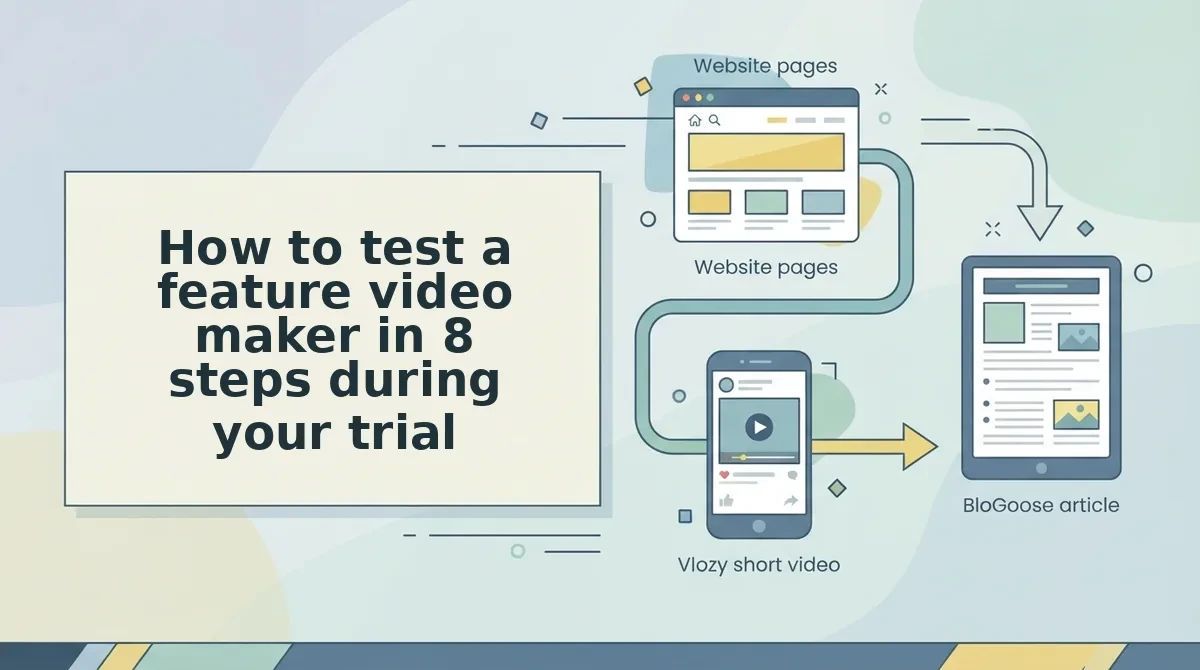
How to test a feature video maker in 8 steps during your trial
Run eight pass/fail checks on one real feature page, and drop any tool that fails check 3 or check 5. Plan for about an hour in total.
You will need four things: a live feature page, a trial login, a phone for previewing vertical video, and a short list of the feature's three key claims.
- Test scope
- Test the source
- Test review control
- Test vertical output
- Test accuracy
- Test article reuse
- Test billing and logins
- Test accountability
1. Test scope: one feature, one clip
Select your feature page and ask the tool for one clip. The tool passes if the video stays focused on that feature and does not drift into the rest of your product. Allow 5 minutes.
2. Test the source: your site or a template
Check where the script comes from. Some tools, such as Clueso, start from a screen recording you capture, while others fill in generic templates. The tool passes if the draft uses your page's own wording.
3. Test review control before export
Open the draft and look for a way to edit the script, captions, and on-screen text before export. Many tools fail this check without telling you. If a tool exports without a fact-and-wording check, a wrong claim can reach customers. The tool passes only if you can approve every line. Allow 10 minutes.
4. Test short-form vertical output
Export the clip in vertical format and play it on your phone. The tool passes if the text is readable, nothing is cropped, and you can post the clip without editing it again.
Here's where it gets expensive.
5. Test accuracy to your current UI and claims
Compare every screen and sentence with your live product and your list of three claims. A plain clip that is correct does no harm. A polished clip with an outdated button or an overstated claim loses trust that is hard to win back. The tool passes if all three claims match. Allow 15 minutes.
6. Test reuse into a written article
Check whether the same page can also become a researched article. The tool passes if it, or a paired product, can produce one without a new brief.
7. Test billing and login clarity
Open Settings, then Billing, or the equivalent account page. Find the plan price, the renewal date, and the number of logins you need. The tool passes if you find all three in under 5 minutes.
8. Test accountability
Look for a named person who is responsible for improving the tool. The tool passes if you can see who that person is and how to reach them.
To plan the clip itself, read how to explain a new product feature in one short video. Next, compare how each format scores.
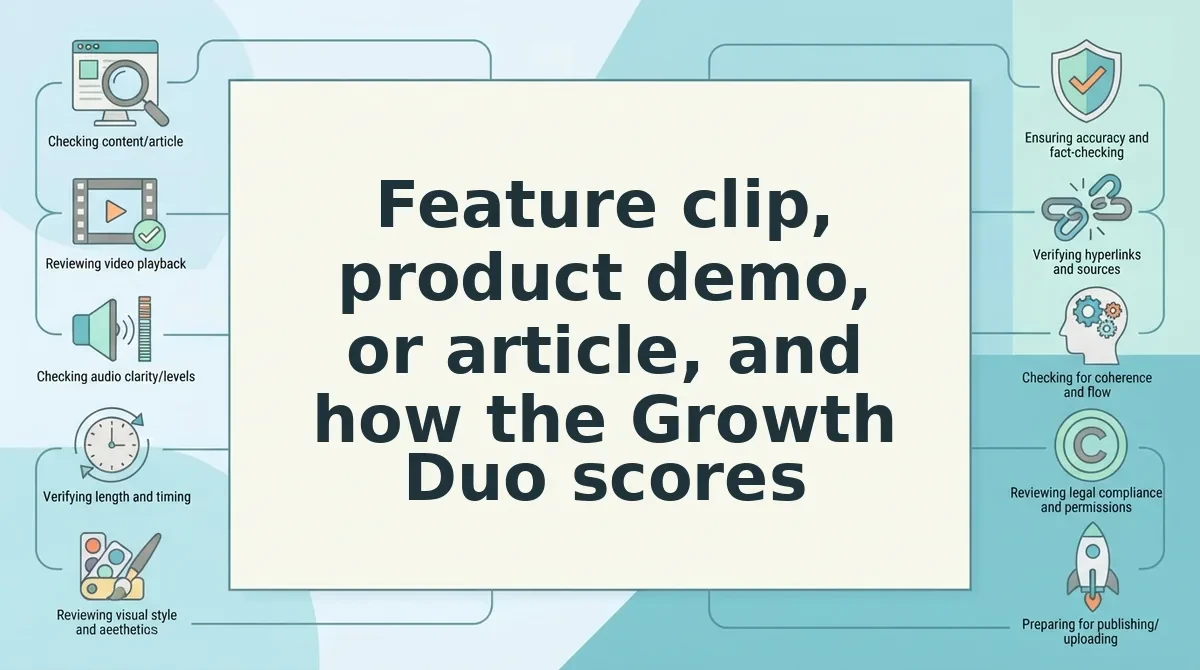
Feature clip, product demo, or article, and how the Growth Duo scores
Choose the format by the job. A short feature clip announces one change, a full product demo teaches the whole product, and a researched article explains context in depth.
| Job | Best format | Why | Best for |
|---|---|---|---|
| Announce a launch or single update | Short feature clip | One feature, one message, easy to watch | Founders who ship often |
| Onboard new users | Full product demo | Shows the complete workflow in order | Teams with multi-step products |
| Explain why a feature matters | Researched article | Room for detail, comparisons, and search reach | Owners who want long-term traffic |
Dedicated demo and screen-recording tools have a real strength. They capture your product exactly as it runs, and a generated short clip cannot replace that for onboarding.
Worked example: A founder announcing a new feature weighs a full demo against a single feature clip. The clip suits the launch because viewers only need to see one change, so the demo stays in onboarding. Use this guide on whether every product update needs its own short video to decide which updates qualify.
Scored against the eight trial steps, Vlozy shows one feature in one clip, and BloGoose reads your site before it drafts. You review the facts before anything goes live. One PayPal subscription covers both tools, and each tool has its own login.
The tools do not run unattended. If you cannot spare time to review each draft, a done-for-you service will suit you better.
If your feature pages already explain the product, you can pair short videos with researched articles through the Growth Duo and turn each page into a clip and an article.
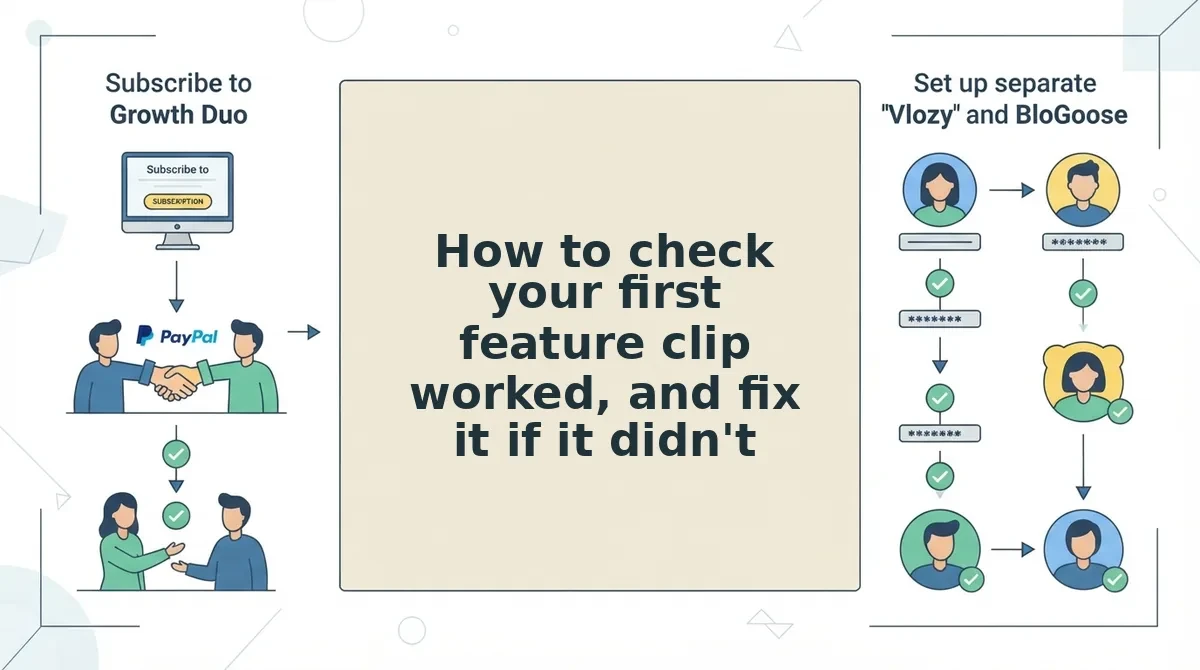
How to check your first feature clip worked, and fix it if it didn't
A feature clip works when it covers one feature, matches your current UI, uses your wording, and passes your review before publishing. The full check takes about 10 minutes.
Before you start: Have the draft clip, the live feature page, and a logged-in copy of your product open in separate tabs.
- Watch the clip once beside the feature page (2 minutes). You should be able to name the single feature it shows in one sentence.
- Compare each screen with your live product (3 minutes). Every button, label, and layout should match what users see today.
- Read the on-screen text against your page copy (3 minutes). The phrasing should sound like your site, not generic marketing.
- Verify every claim against what the product actually does (2 minutes). Each claim should be one you could demonstrate live.
| Symptom | Likely cause | Fix |
|---|---|---|
| Clip covers too much | Source page describes several features | Point the tool at a single-feature page |
| Outdated UI | Page screenshots predate your last release | Update the page, then regenerate |
| Off-brand wording | Draft not edited at review | Rewrite the lines before publishing |
| Unsupported claim | Page overstates the feature | Remove the claim and correct the page |
What to do when a feature clip comes out wrong: Stop before publishing and identify which check failed. If the clip covers several features, narrow the source to one feature page. If the interface looks old, update your page images and regenerate. If the wording is not yours, edit the lines during review. If the clip claims something your product cannot do, delete that claim and fix the source page, because the clip only reflects what the page says. Fixing errors at review costs minutes. Fixing them after posting costs credibility with the customers who already watched.
Worked example: A clip describes a feature in phrasing the founder never uses. The fix is a wording edit at review, before it goes live, not a correction afterwards. For the full pre-launch list, see what to check before a short product video goes live.
Pick the tool that keeps you in control
The right feature video maker leaves the final word with you, because you know your product better than any generator. This is the finding from the start of this guide: control at review matters more than any feature list.
I build Vlozy to show one feature in one clip, and I watch where people struggle. The mistakes that slip through usually happen when nobody reviews the draft, not because the tool lacked a setting.
During your trial, run the eight steps on one real feature page. Rule out any tool that fails step 3, however polished its output looks.
If you want software for business growth that turns your pages into clips and articles you approve, try the Growth Duo. Your website already explains your product well enough to show it to more customers.