
"Every client ends up sounding the same." Founders say that about AI writing tools all the time. They say it right before the other complaint: "confident nonsense with no sources."
If that sounds familiar, the problem isn't your writing. An AI article writer for WordPress with brand voice should produce one result: a researched, on-voice draft waiting in WordPress for your approval. You need a WordPress site, a website that already explains your product, and a few minutes to review.
I'm Roktim Saha, and I build BloGoose at Verthilix. We're a founder-led company built in India that makes software for business growth. We're not an agency. I watch where people struggle, and the fix is rarely a better prompt.
Below, you'll learn what this kind of writer does and why AI content sounds the same. You'll also get a four-step workflow with a human approval gate at each step.
Key takeaway: The writer plans topics, researches your site, drafts in your terminology, and sends the draft to WordPress. You review the facts, the words, and what gets published.
What Does an AI Article Writer for WordPress With Brand Voice Actually Do?
An AI article writer for WordPress with brand voice is a tool that plans a topic, reads your website, and drafts an article in your product names, terms, and claims. It then sends that draft to WordPress for your review instead of publishing it. You stay the editor, and the software does the groundwork.
Three terms explain the whole idea:
- Brand voice is the consistent way your business explains itself. It covers the words you choose, the claims you make, and the names you give things.
- A site-grounded draft is an article built from facts the tool found on your own pages, not from its general training.
- Review before publish means the draft sits unpublished in WordPress until a person approves it.
Think of two writers. One gets a sticky note that says "friendly, confident." The other spends an afternoon reading your website before writing a word. Only the second one sounds like you.
That's why style-profile adjectives still produce sameness. Some tools, such as PostWriter and AI Content Bridge, build voice around these profiles. But "friendly, confident" describes millions of brands. Your product names, terms, and claims describe only you.
Why does AI content sound the same? AI content sounds the same because most tools write from what they learned in general training, not from your business. When you only give a tone description, the model fills the gaps with its most common phrasing, and so does every competitor using the same model. Without research on your own site, the draft has no product names, no specific claims, and no terms your customers recognize. The fix is grounding the draft in your published facts.
The three sources of sameness:
- Generic training defaults
- Adjective-only voice profiles
- No research on your own site
BloGoose reads your site before drafting, so the draft starts from your facts. To do this by hand, see how to write a blog post in your brand voice, or browse more practical guides.
How to Plan, Research, Draft, and Review an On-Brand Article in 4 Steps
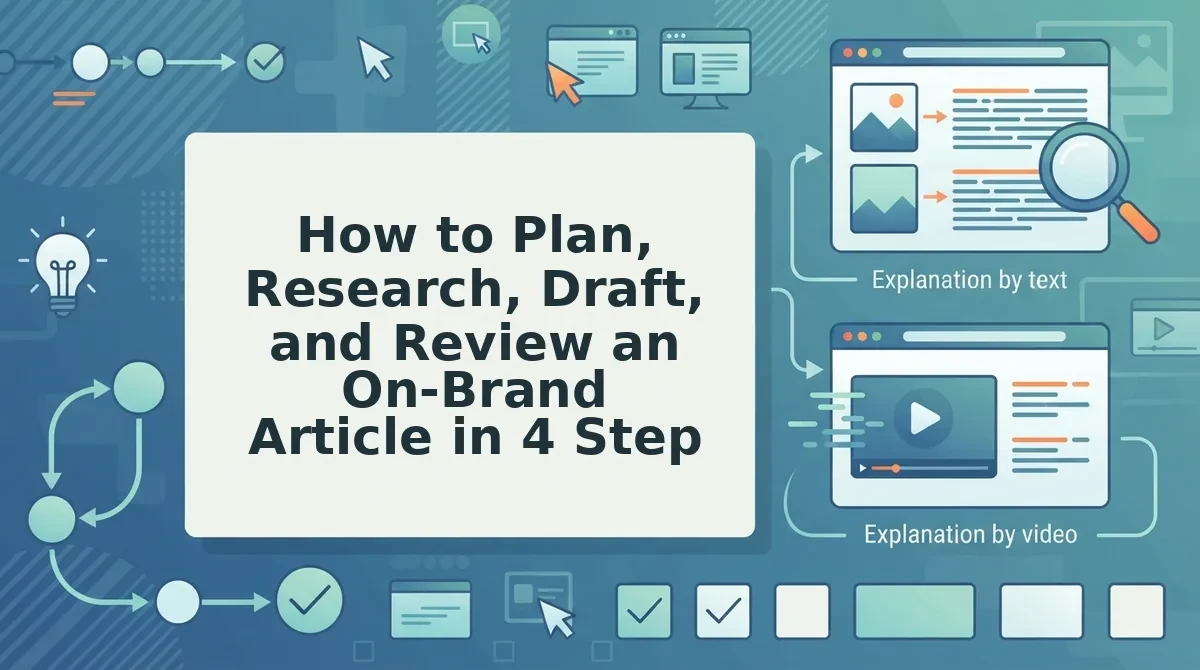
Take the article through four control points: approve the topic, check the sources, confirm the voice, and decide what publishes. The software does the work between the gates, and you hold every gate.
Before you start: You need editor or admin access to WordPress and pages that already explain your product. Plan on roughly 15 minutes of review per article.
Worked example: A founder needs to explain a new feature to customers.
- Approve the topic (about 2 minutes). Open the proposed topic plan. Pick the topic that answers a real customer question, such as "How does the new feature work?" Reject anything that repeats an existing post. Success: You have one approved topic with a clear reader and goal.
- Check the sources (about 5 minutes). BloGoose reads your site before drafting. Open the research notes and confirm that each point comes from a real page, such as the feature page, pricing, or help docs. This gate prevents "no sources" content. Success: Every claim you keep points to a page you published.
- Confirm the voice (about 5 minutes). Read the draft next to your product page. The feature name should match your page exactly, and the problem it solves should use your site's terms. Replace any phrase your site never uses. Success: A customer couldn't tell the draft apart from your own pages.
- Decide what publishes (about 3 minutes). In WordPress, open Posts, then All Posts, and select Drafts. Open the article and click Preview. Drafts are never auto-published, so nothing goes live until you click Publish. Success: The post shows as Published only after you click.
| Control point | You approve | What it prevents |
|---|---|---|
| 1. Topic | What gets written | Off-target posts |
| 2. Sources | Facts from your site | Unsourced claims |
| 3. Voice | Your names and terms | Generic phrasing |
| 4. Publish | What goes live | Unreviewed posts |
What are the Four Control Points? The Four Control Points are four human approval gates in an AI writing workflow. The first is approving the topic, so the article answers a real customer question. The second is checking the sources, so every claim traces back to a page on your site. The third is confirming the voice, so the draft uses your product names and terms. The fourth is deciding what publishes, so nothing goes live without your click. The software handles planning, research, and drafting between the gates.
Plugin or external writer?
| Factor | Plugin inside WordPress | External writer that sends drafts |
|---|---|---|
| Control | Depends on plugin settings | Draft waits for your approval |
| Sourcing | Varies | Check whether it reads your site |
| Voice grounding | Often adjective profiles | Can use your site's terms |
| Login separation | One WordPress login | Separate tool login |
| Publishing risk | Higher if auto-publish is on | Lower when drafts only |
Jasper and Copy.ai are capable general writers. Compare how each one handles sources in BloGoose vs Jasper for researched WordPress articles.
Do you also want short videos from the same site content? The Growth Duo subscription pairs Vlozy videos with BloGoose articles. Each tool has its own login.
Next, check whether the draft actually worked before it goes live.
How to Check the Draft Worked Before It Goes Live
A draft has worked when its facts match your site, its words match your vocabulary, and it is still unpublished. Run these five checks in WordPress before anyone clicks Publish.
- Match every claim to your site. Compare each factual statement with the page it came from. For a feature explainer, open the live product page and confirm the description matches what the feature does today.
- Spell product terms your way. Search the draft for your product, plan, and feature names. Odd capitalization or a competitor's term shows the writer guessed instead of reading your site.
- Cut unsupported superlatives. Words like "best," "fastest," or "leading" need proof you can point to. Delete or rewrite any claim you cannot back with a page you already publish.
- Remove your logo and reread. Picture the post without your branding. If it could belong to any company in your category, rewrite the opening and examples with details only you know.
- Confirm the post is still a draft. Check the status in the WordPress editor before sharing a preview. Publishing should stay a deliberate human action, not a side effect of the tool.
Know the limits, too. Voice can drift on topics your site doesn't cover yet, because there is no site evidence to ground the draft.
Factual review is still required, and the tool does not replace your judgment. You review the facts, the words, and what gets published.
FAQ About AI Article Writers for WordPress
These answers cover the questions that remain once the workflow is in place: publishing control, plugins, voice, and video.
Should an AI article writer publish directly to WordPress?
No. An AI article writer should never auto-publish. Drafts should wait for your approval in WordPress. Auto-publishing skips the fact, wording, and status checks that protect your brand, so publishing stays a step you take yourself.
Do I need a WordPress plugin, or can an external tool send drafts?
An external tool can send drafts, so a plugin isn't the only option. An external writer that sends drafts to WordPress keeps writing and publishing logins separate. You still approve and publish inside WordPress as usual.
Will a brand voice profile alone stop my content sounding generic?
No. A voice profile shapes tone, but generic content comes from missing specifics. Drafts sound like you when they draw on what your website already explains: your product names, features, and examples.
Can the same site knowledge become short videos?
Yes. Within the Growth Duo, Vlozy turns the same website knowledge into short videos while BloGoose writes articles. A feature explainer can become one Vlozy clip. Learn how to explain a new feature in one short video, or browse the Verthilix product family.
Start With One Article You Already Know How to Explain
The fastest way to trust an AI article writer is to test it on a topic your website already explains well. On-brand output comes less from a clever voice setting than from grounding in your own pages and a review you control.
Pick one feature your site already describes and run it through the four control points. Then review the draft in WordPress against the checklist above. You stay in charge of what gets published.
To turn that same knowledge into both formats, start the Growth Duo subscription. It pairs Vlozy short videos with BloGoose researched articles in one PayPal subscription, with separate logins.
I build and improve these tools myself, so if a draft misses your voice, tell me and I'll fix it. â Roktim Saha